What is Rocketflare?
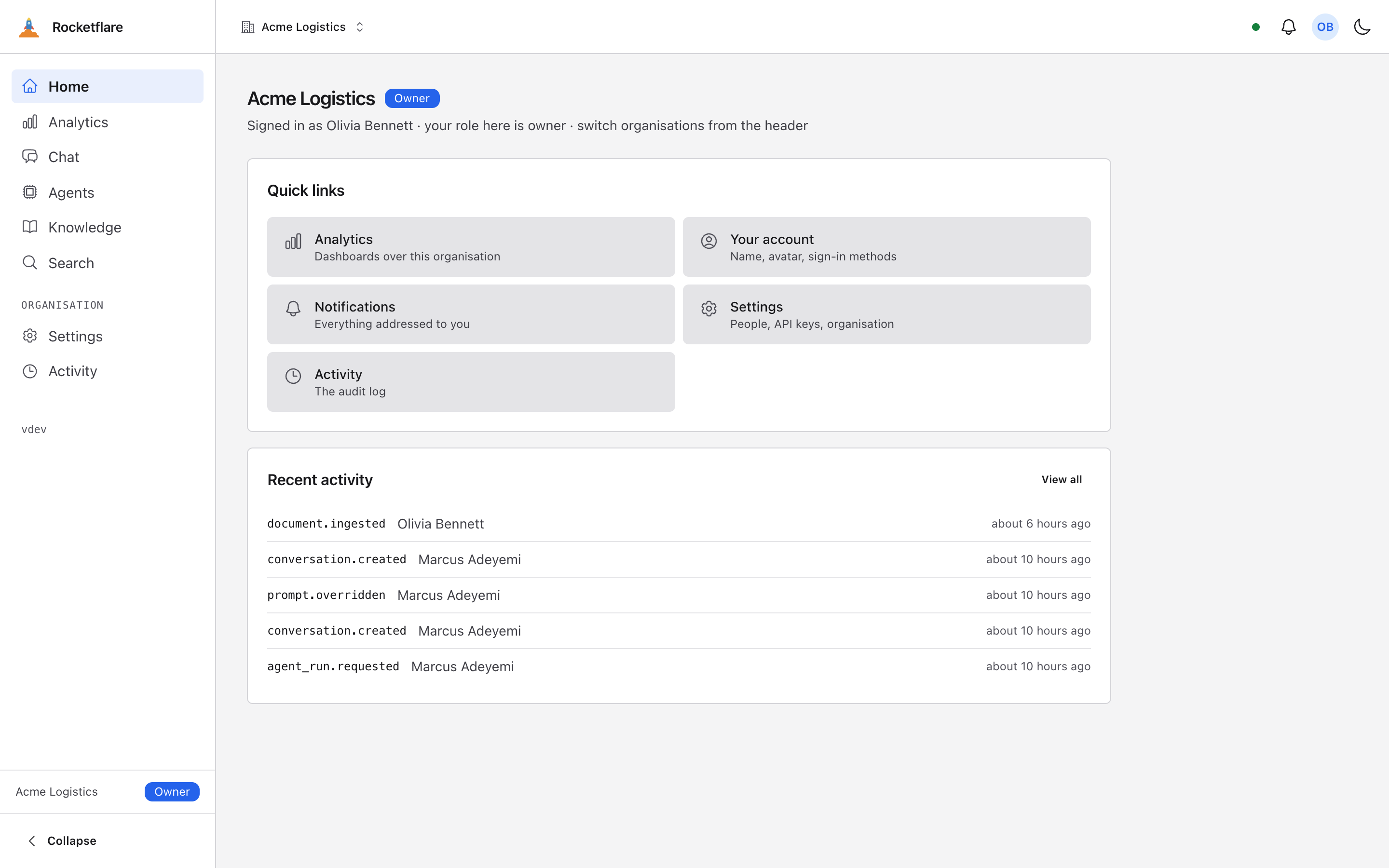
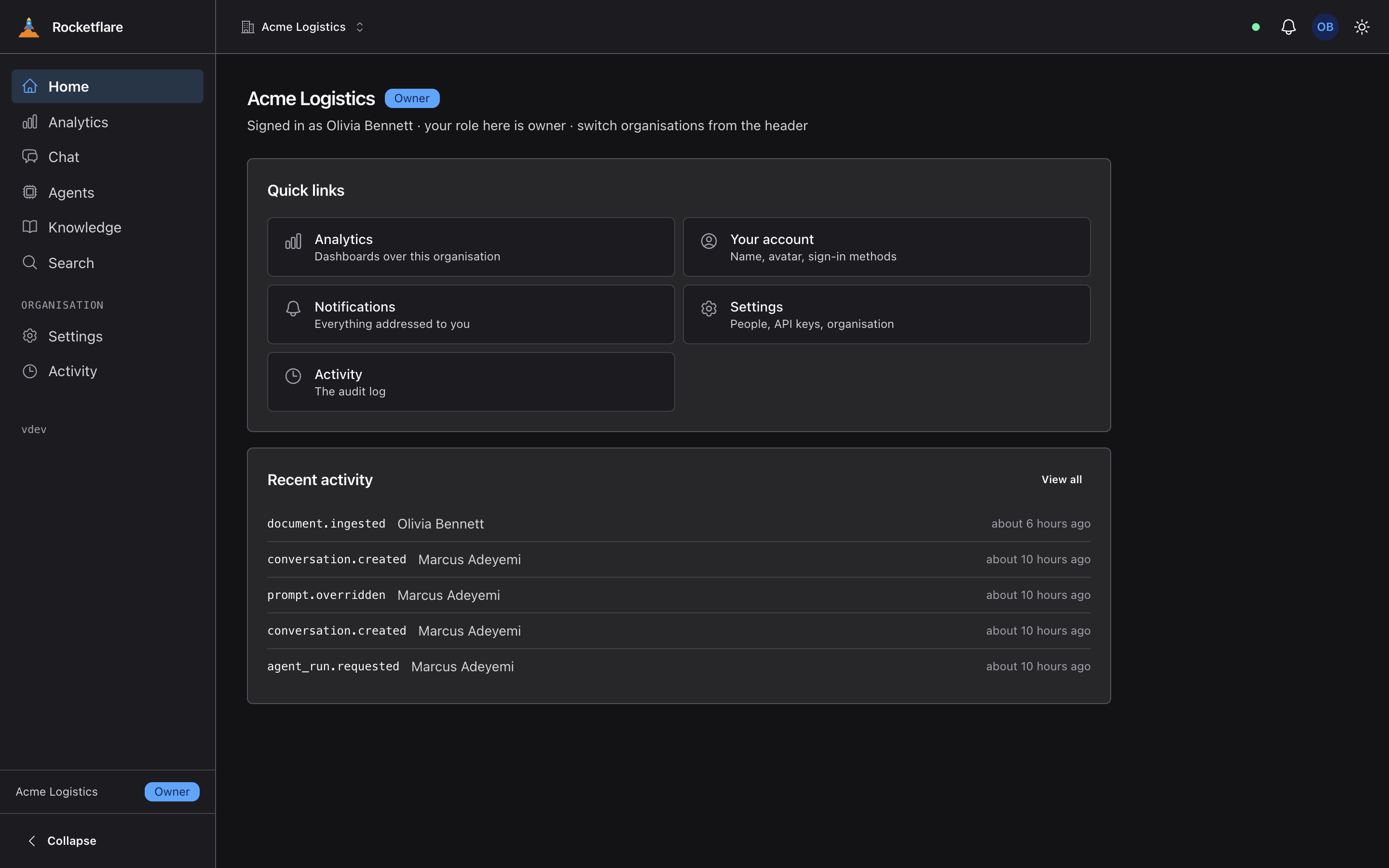
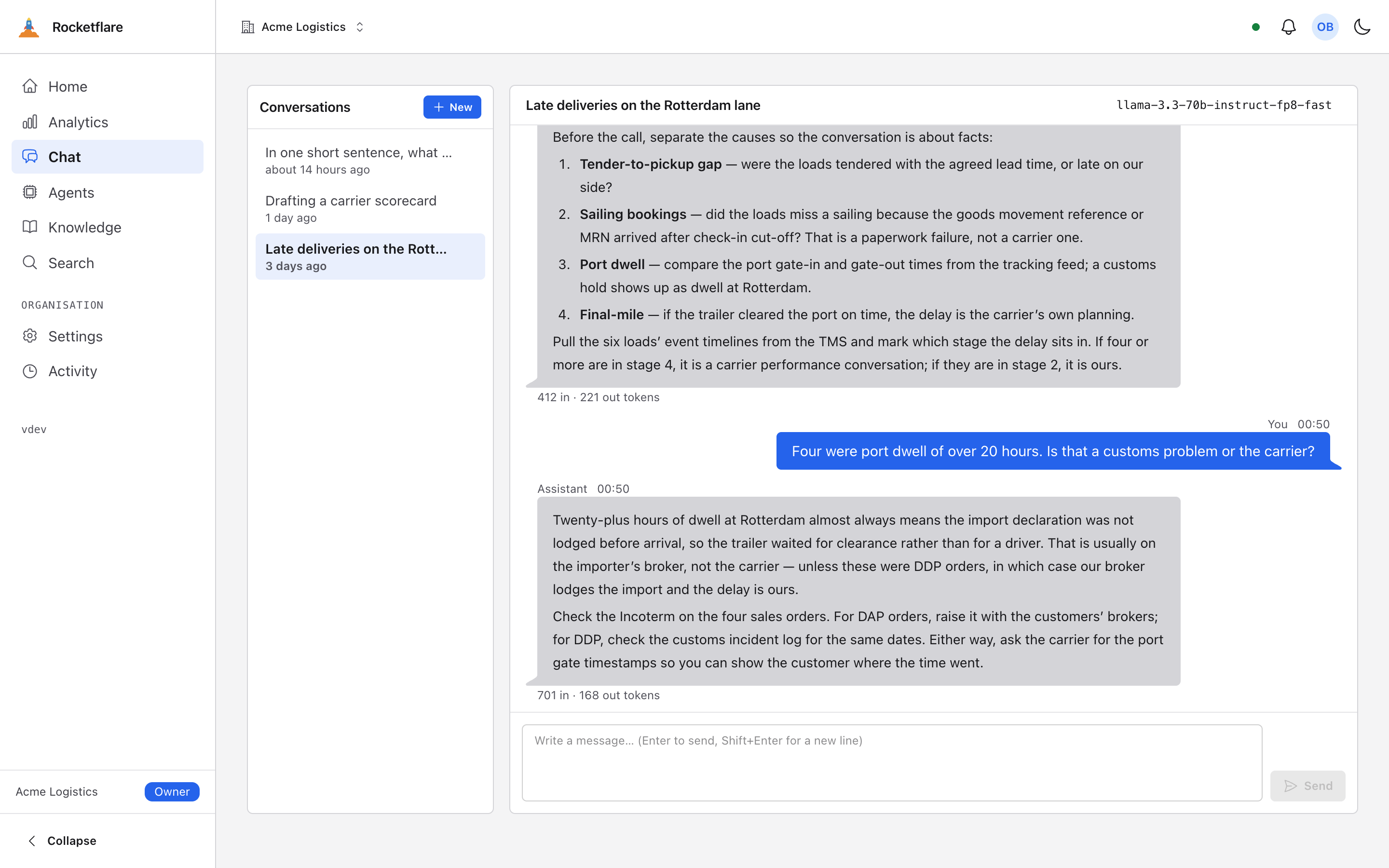
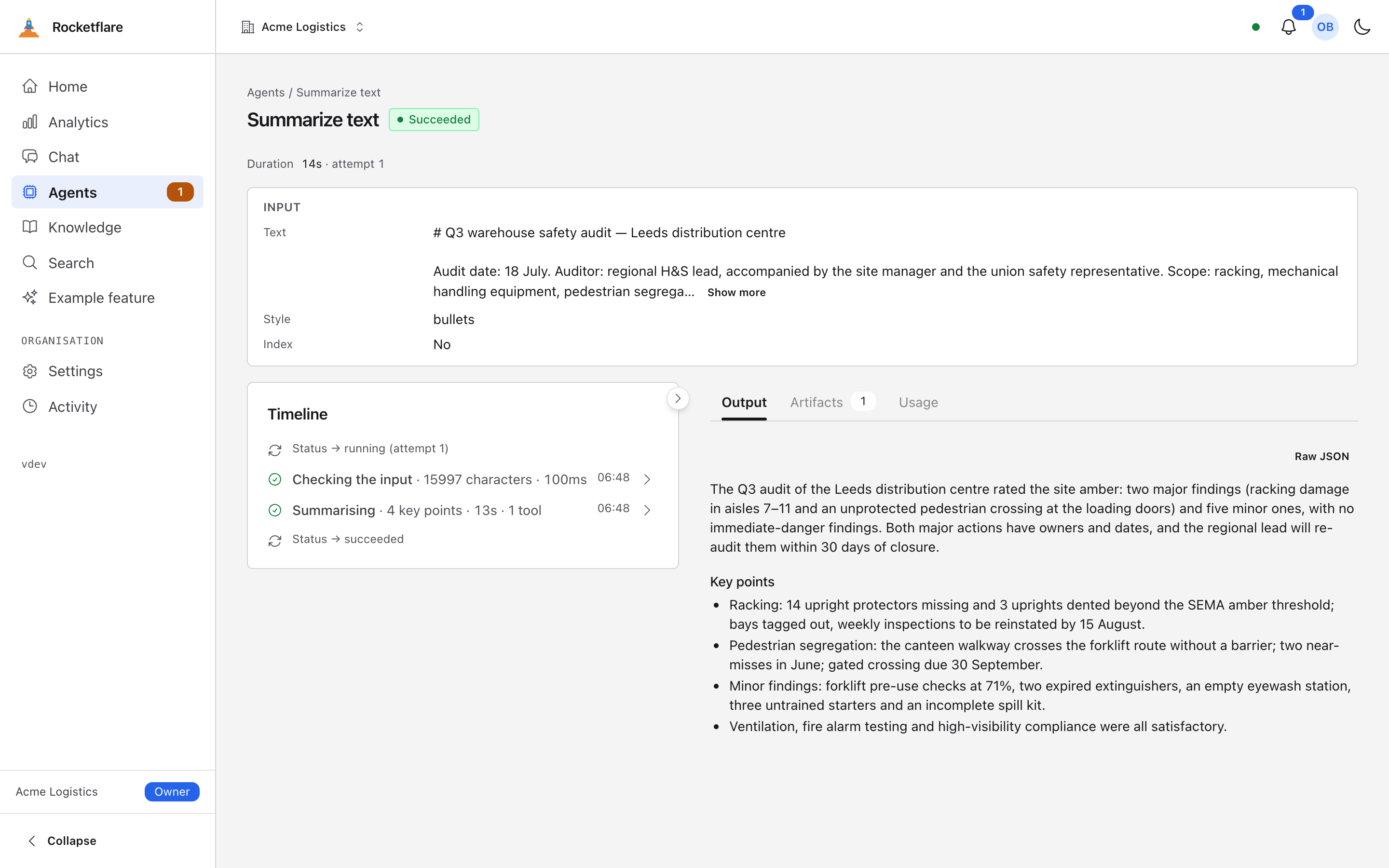
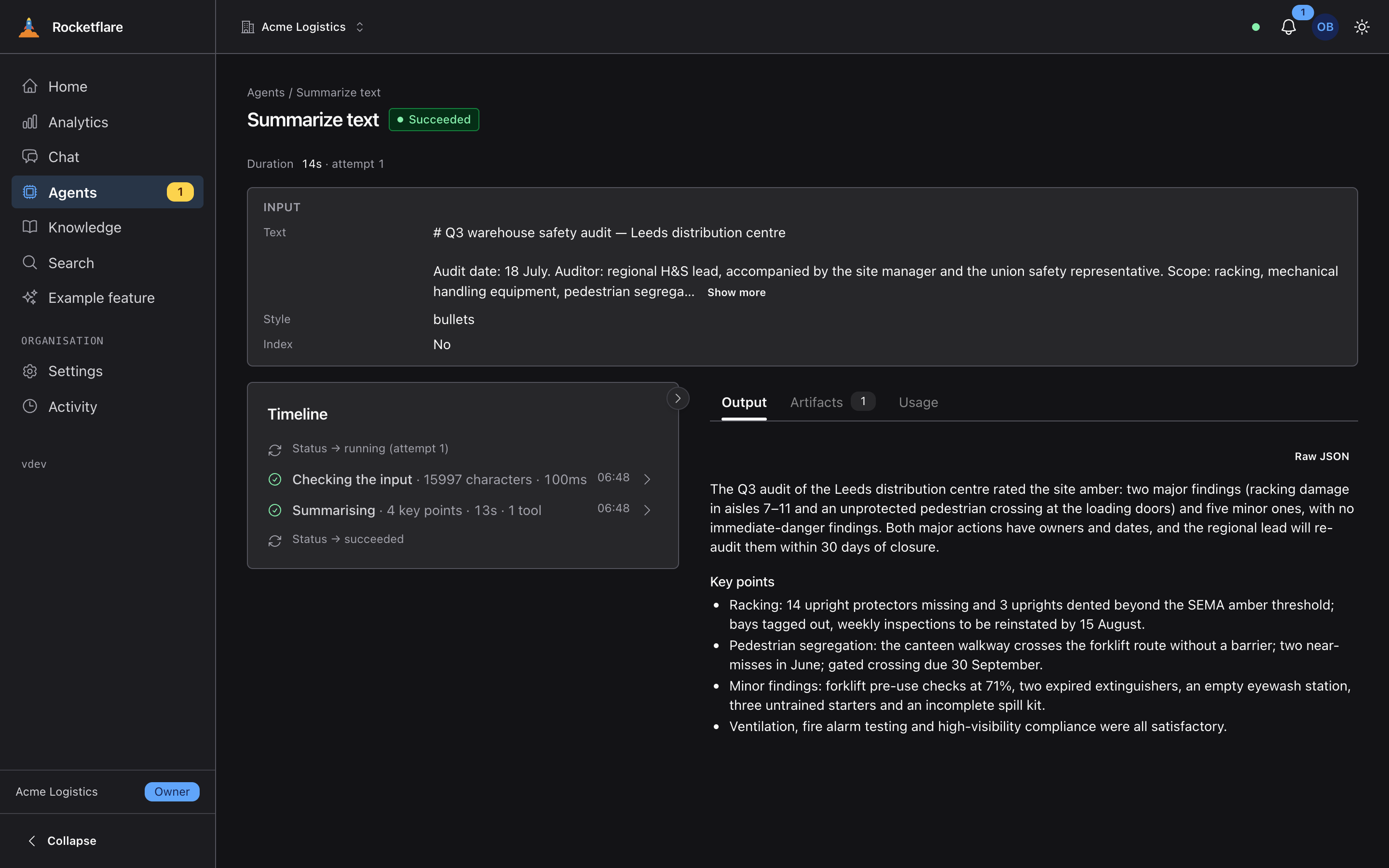
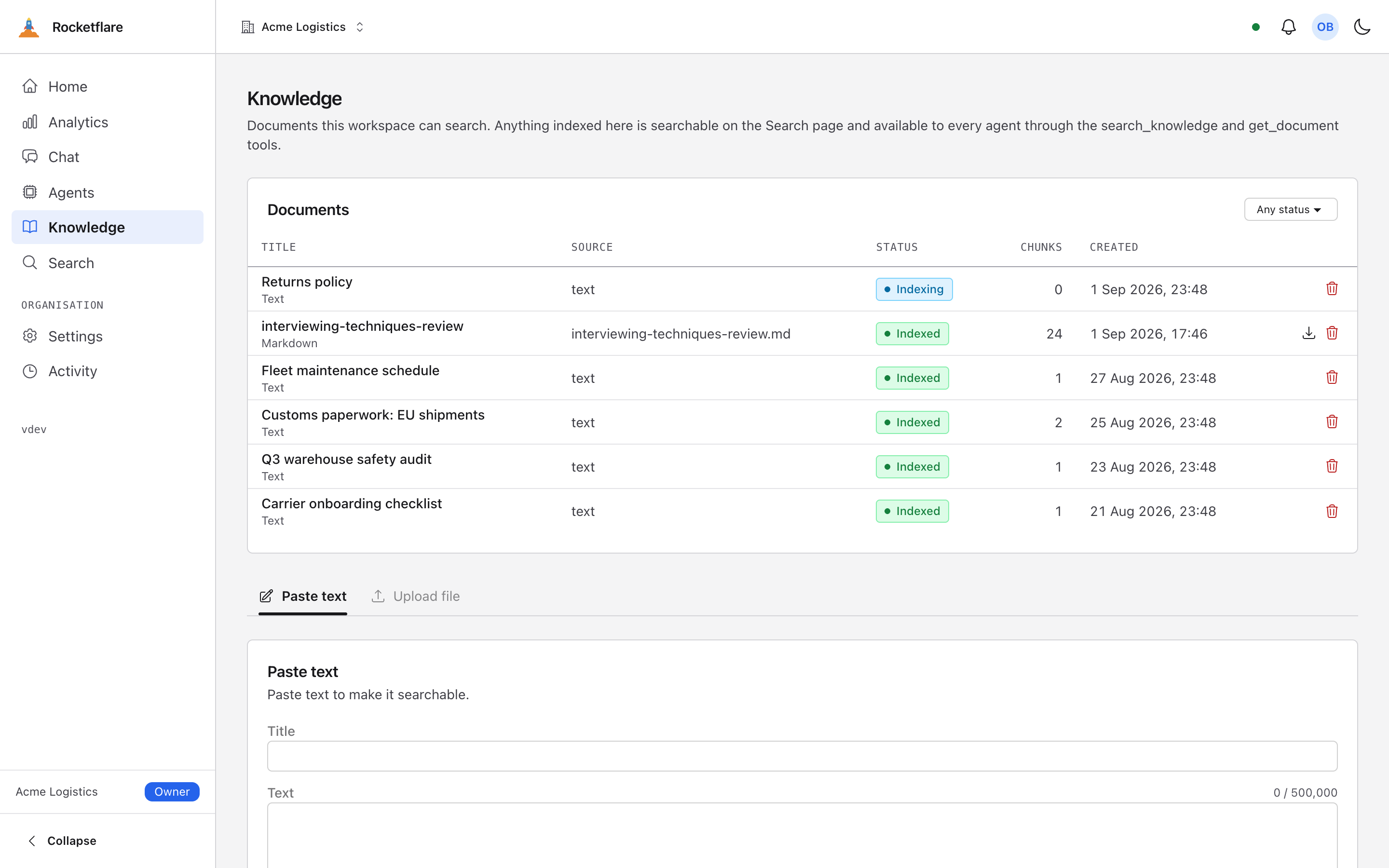
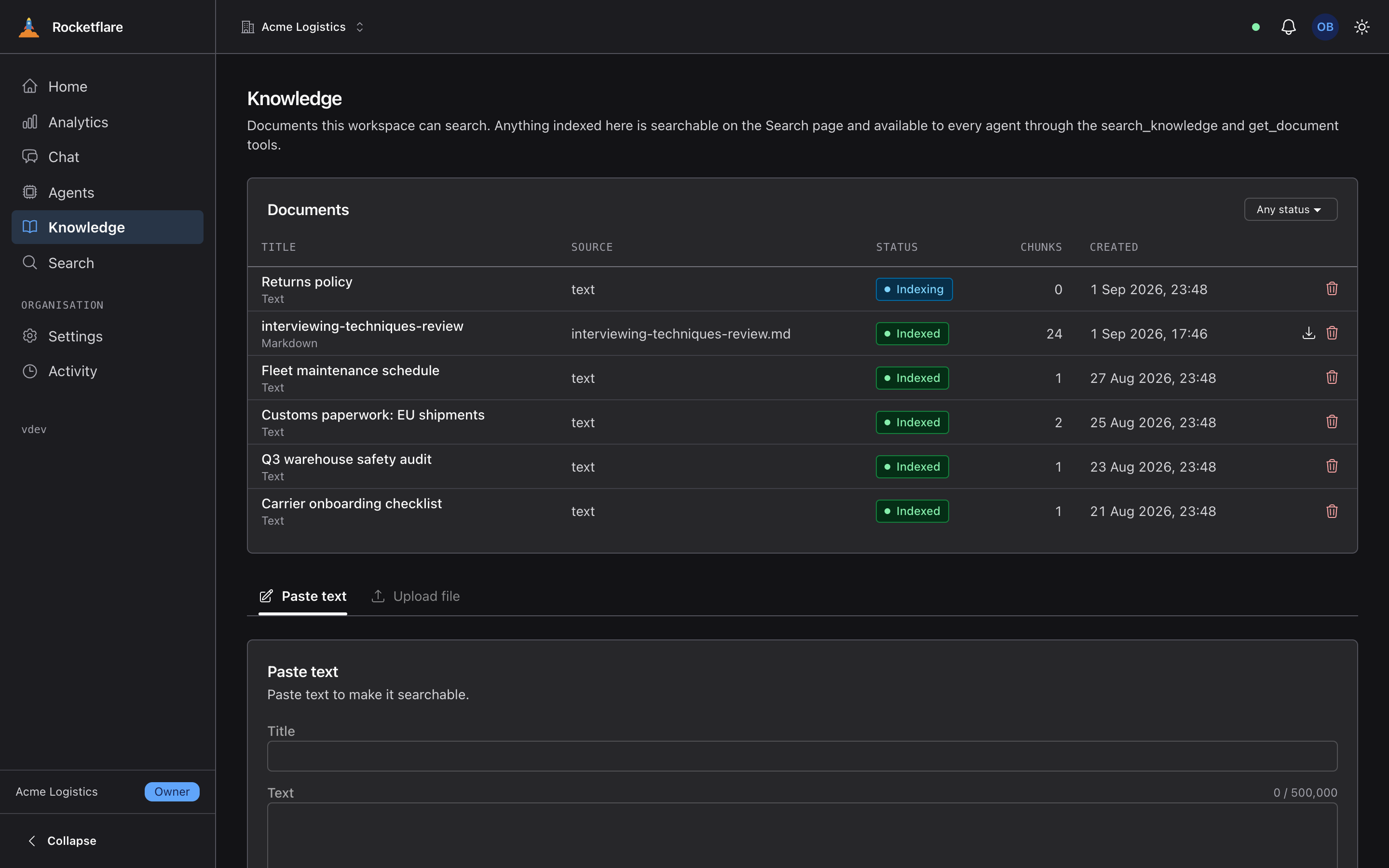
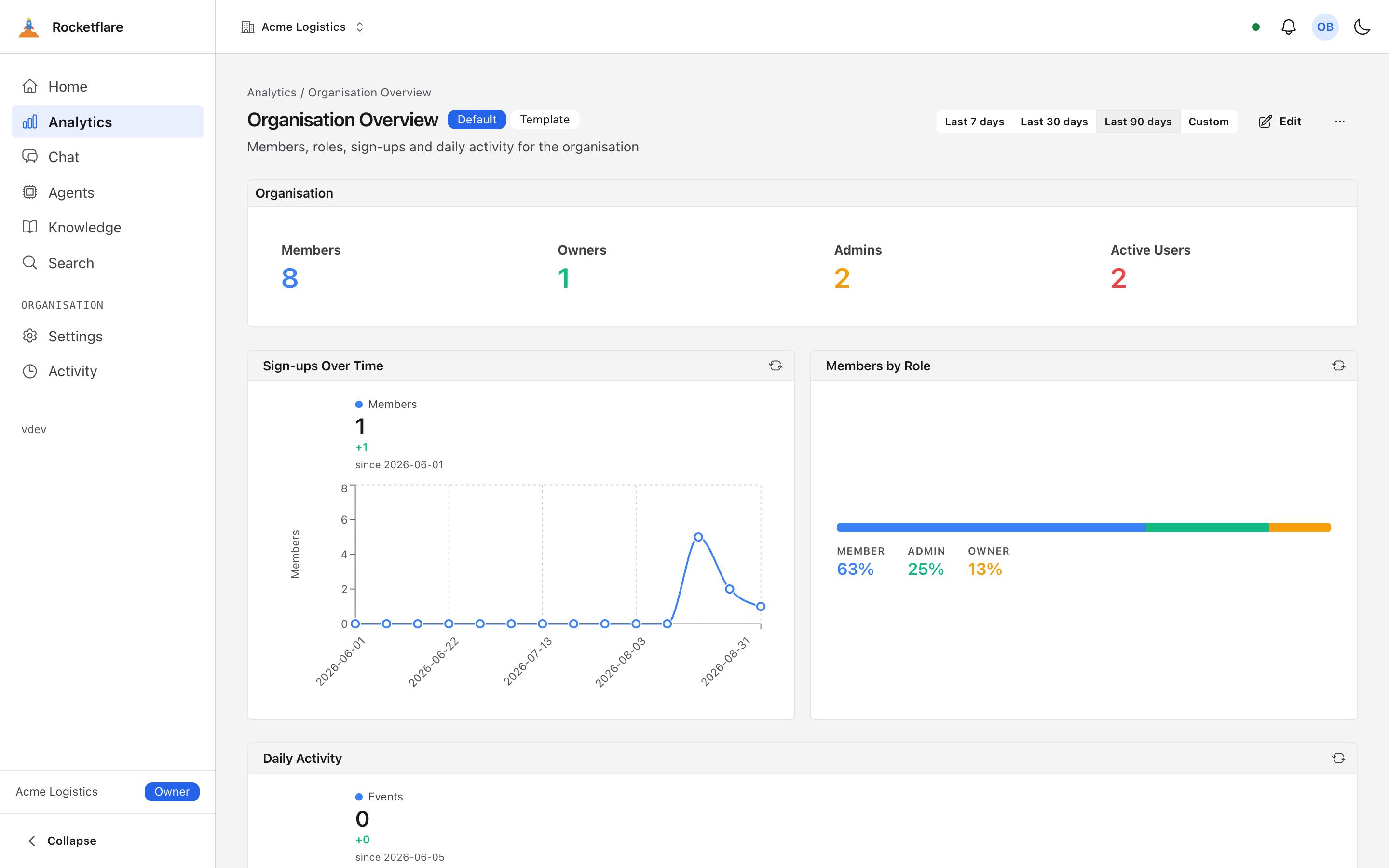
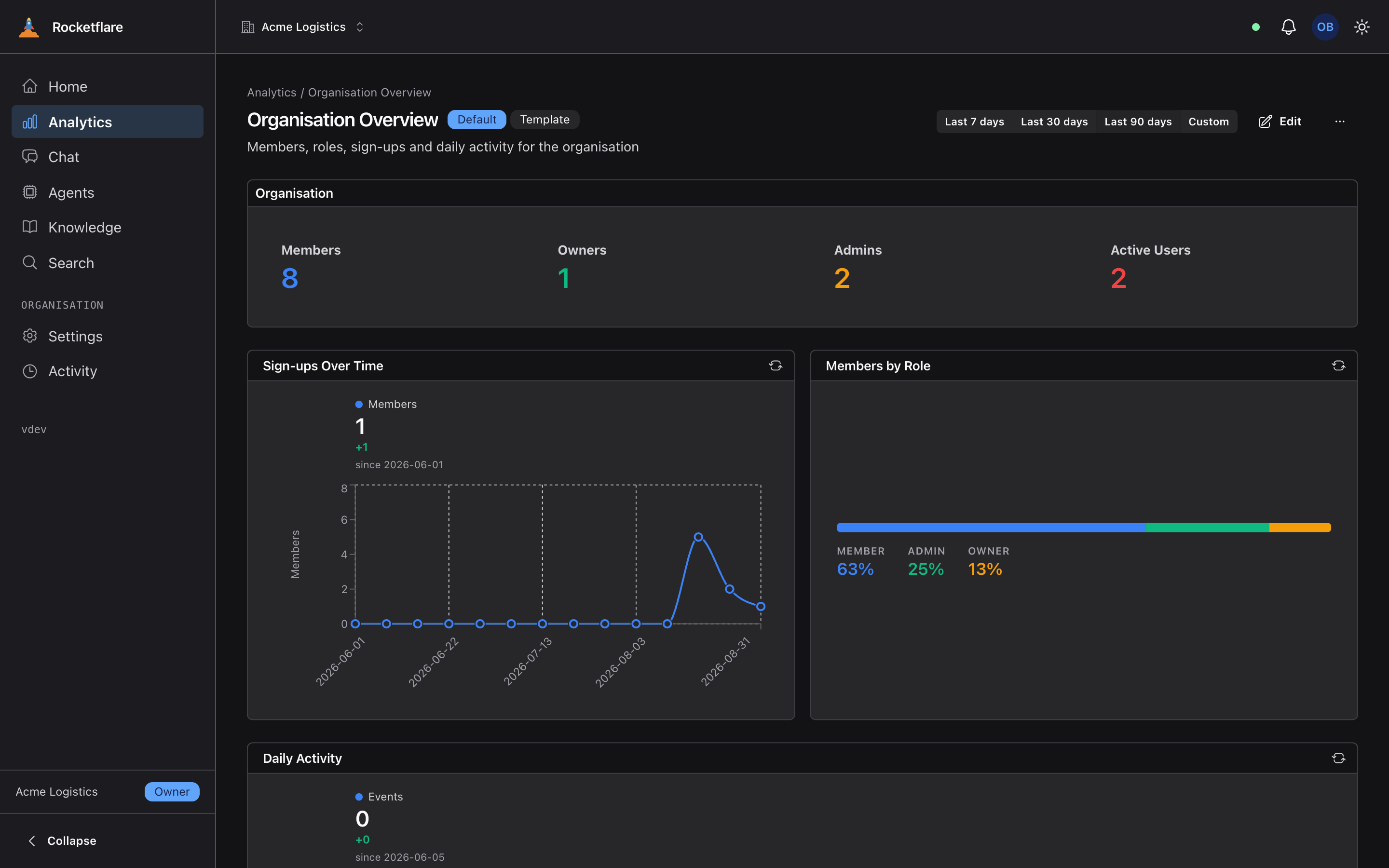
A free, open-source web app you copy and make your own. Sign-in, organisations, teams and permissions, an AI assistant that answers from your own documents, dashboards, file uploads and background jobs are already built and tested. You add the product. It runs as one Cloudflare Worker over a normal Postgres database, under the MIT licence.
Do I need to be a developer to use it?
You need to be comfortable running commands in a terminal, and you will be editing code eventually — this is a codebase, not a no-code builder. You do not need to know Cloudflare, Postgres or any of the libraries beforehand. The repository is written to be driven by a coding agent such as Claude Code: open the folder, type /rf-setup, and it does the setup, the rename and the deploy for you, showing each step as it goes.
What does it cost?
The kit is free. Running it on your laptop costs nothing at all. Deploying it costs the Cloudflare Workers Paid plan, because the database connection pool and the workflows the agents run on are paid features, plus a Postgres database — a free Neon tier is enough to start. The built-in AI is billed per call to your own Cloudflare account, with a free daily allowance, and you can switch it off or bring your own key.
Can I use it for a commercial product or for client work?
Yes. It is MIT licensed: build a product on it, charge for that product, keep your changes private, and you owe nothing and need not credit anyone. Take a copy, cut it loose from the original history, and it is your codebase.
Do I need a Cloudflare account?
To run it on your laptop, a free one — and only because the built-in AI runs on Cloudflare, so the first start asks you to log in. Run the bootstrap with --offline and no account is needed at all; chat and agents then wait for an AI key of your own. Deploying needs a Workers Paid plan.
Can it serve one organisation or many?
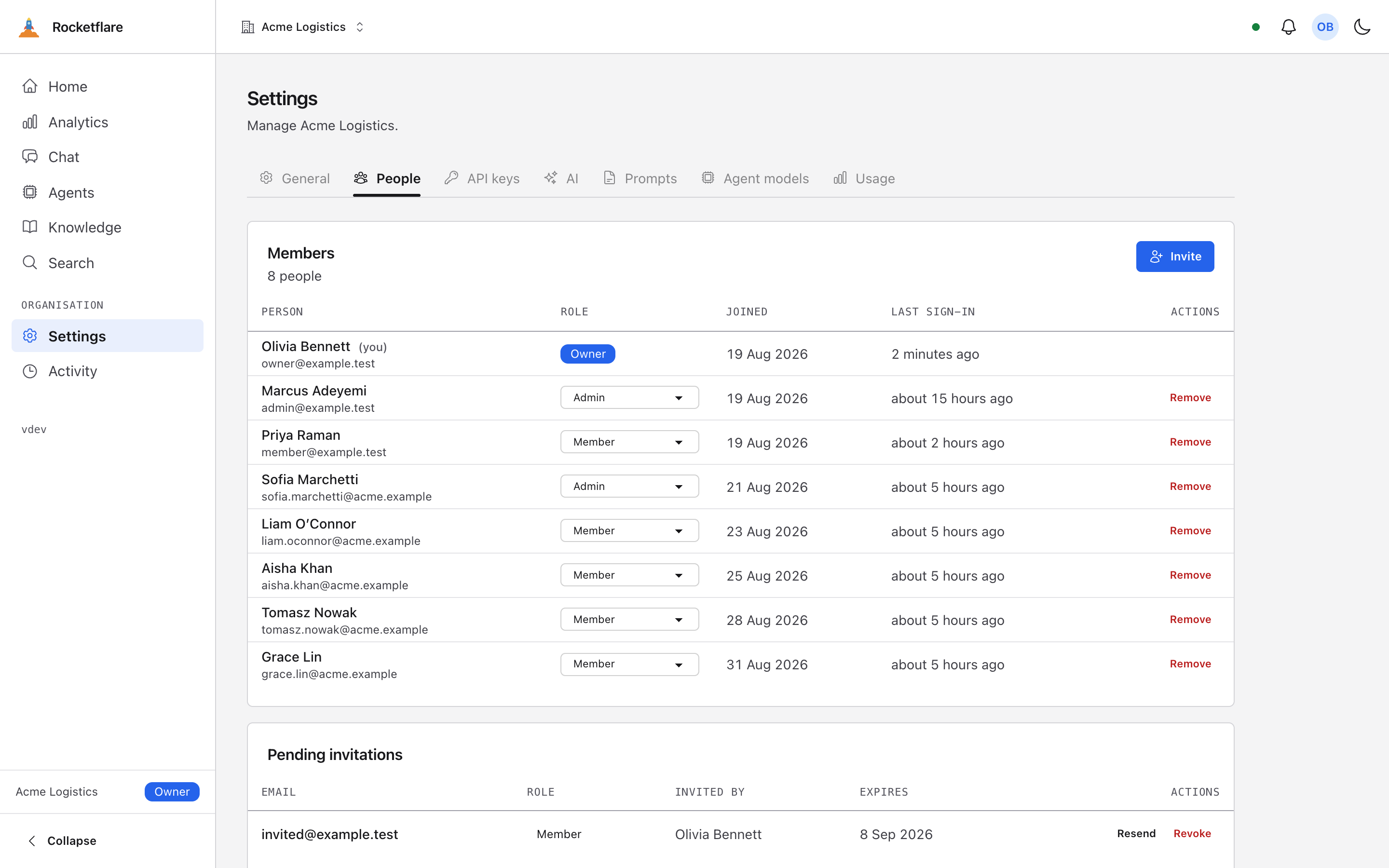
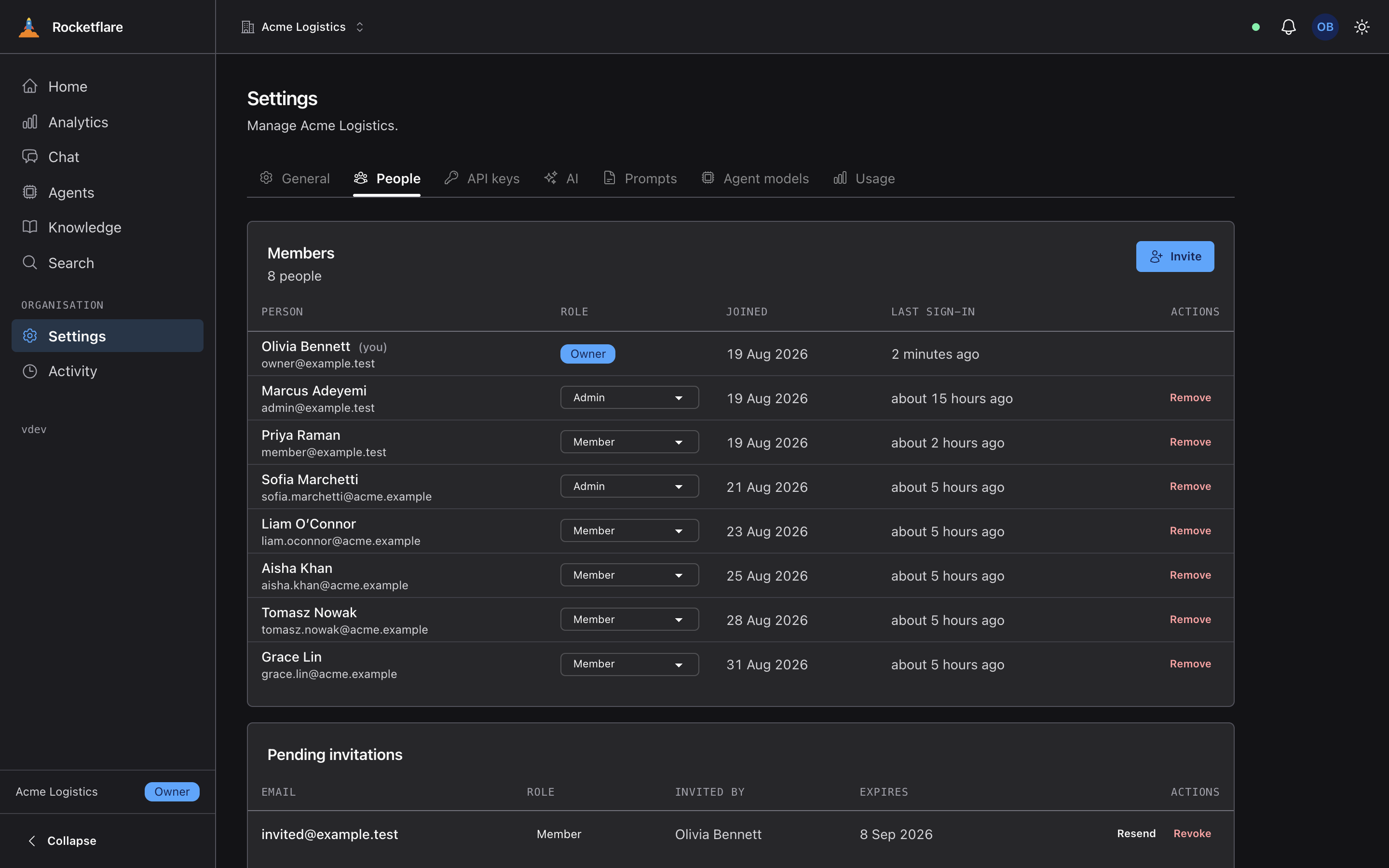
Both, from the same database. One setting switches between many organisations, each with its own members and roles, and a single organisation that everyone joins. You can change your mind later without touching the data or running a migration.
What is not included?
Billing and subscriptions are the big one — there is no Stripe integration, no plans and no metering of your customers. There is also no marketing site, no blog or CMS, and no mobile app. What is included is the platform underneath a product: tenancy, sign-in, roles, files, email, background jobs, realtime, dashboards, an AI layer and a command-line tool.
How is it different from other SaaS starter kits?
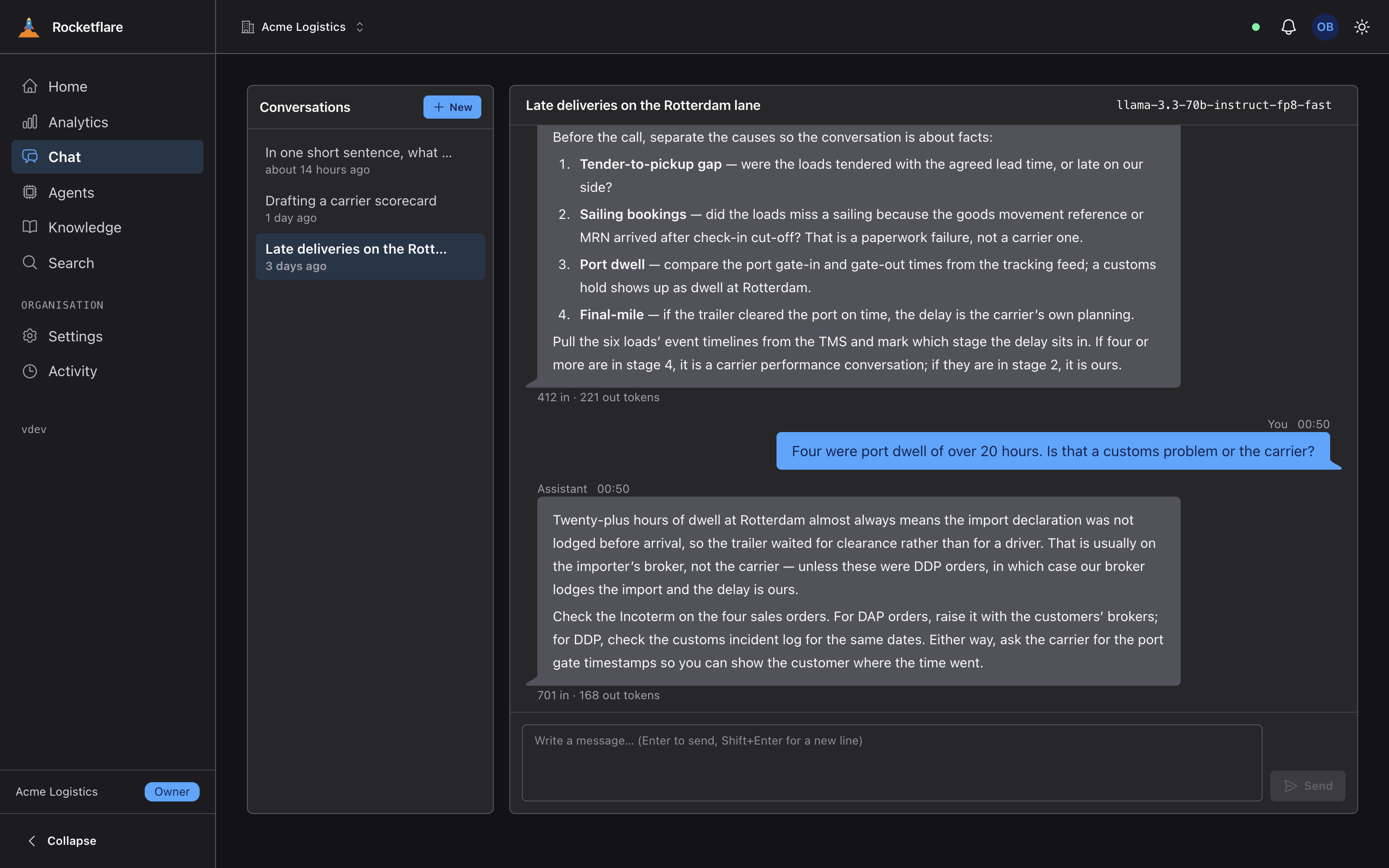
Three things. Multi-tenancy is the foundation rather than an add-on, so every row belongs to an organisation and the tests fail if one does not. The AI layer — chat, agents and search over your own documents — is built in and works on a fresh copy with no API key. And a copy keeps a link home: when the kit gains a release, one command ports it into your renamed app without recreating anything you deleted, so starting from a template does not mean falling behind it.
Is it for one product, or for many?
As many as you have ideas. Copy the kit once per product: each copy is renamed to its own app, deploys on its own, and keeps taking the kit’s releases and plugins, so the tenth product starts as current as the first. One kit and a coding agent, turning out SaaS products for as long as you keep having ideas: an infinite SaaS factory rather than a one-off template.
What does “agent-first” mean?
The kit is written to be worked on by a coding agent: a map at the root of the repository, rules that load with the files they apply to, a guide in every important folder, and one test gate that enforces them. Ask the agent to set up, rename or deploy the project and it follows the same steps a person would, showing each result as it goes.