Sites
Run the marketing site and the docs from the app you already have.
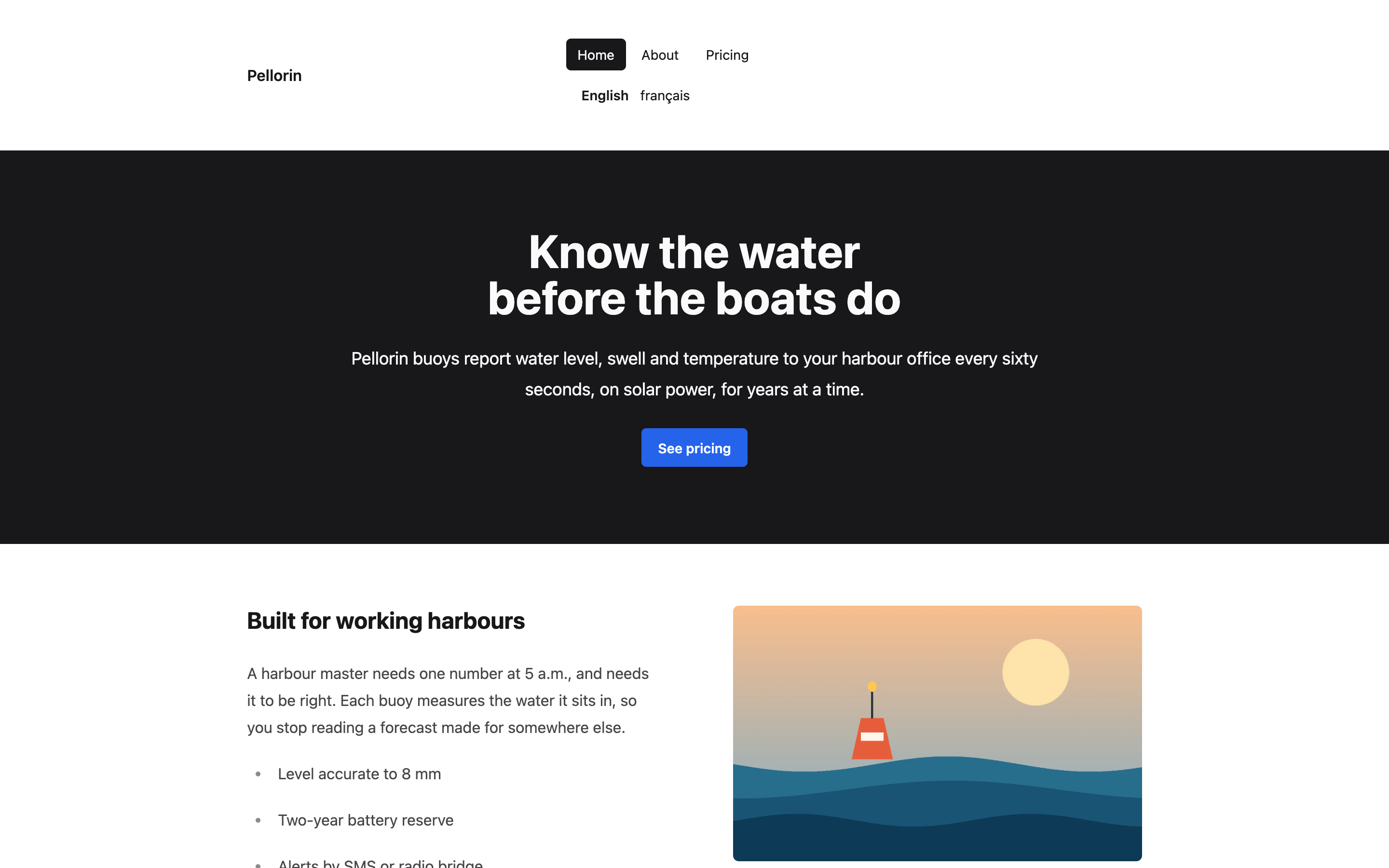
Public websites run from your app: pages in several languages, edited visually inside the app and served from the same Worker on hosts of their own, from blocks and a theme your developers own in code.
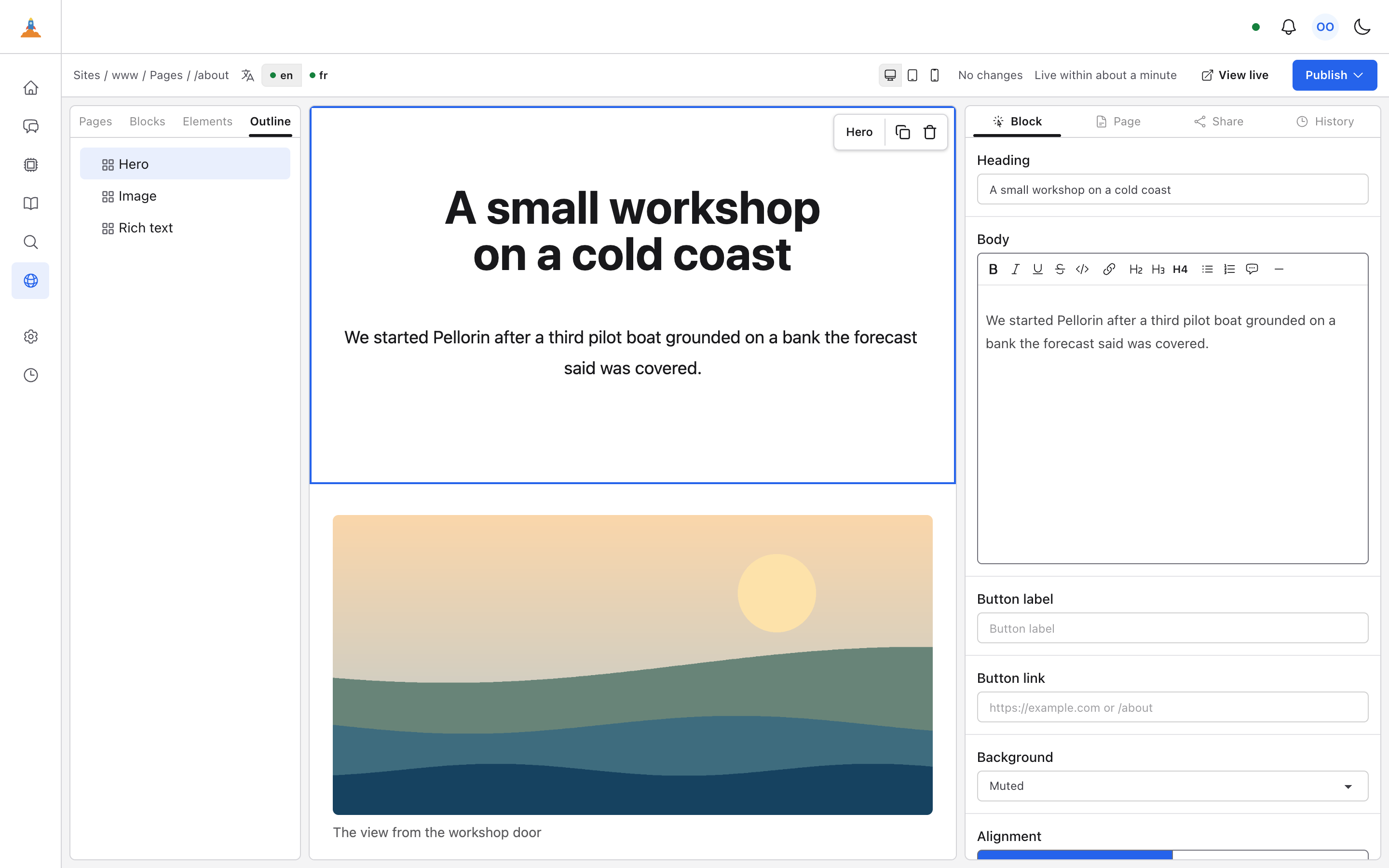
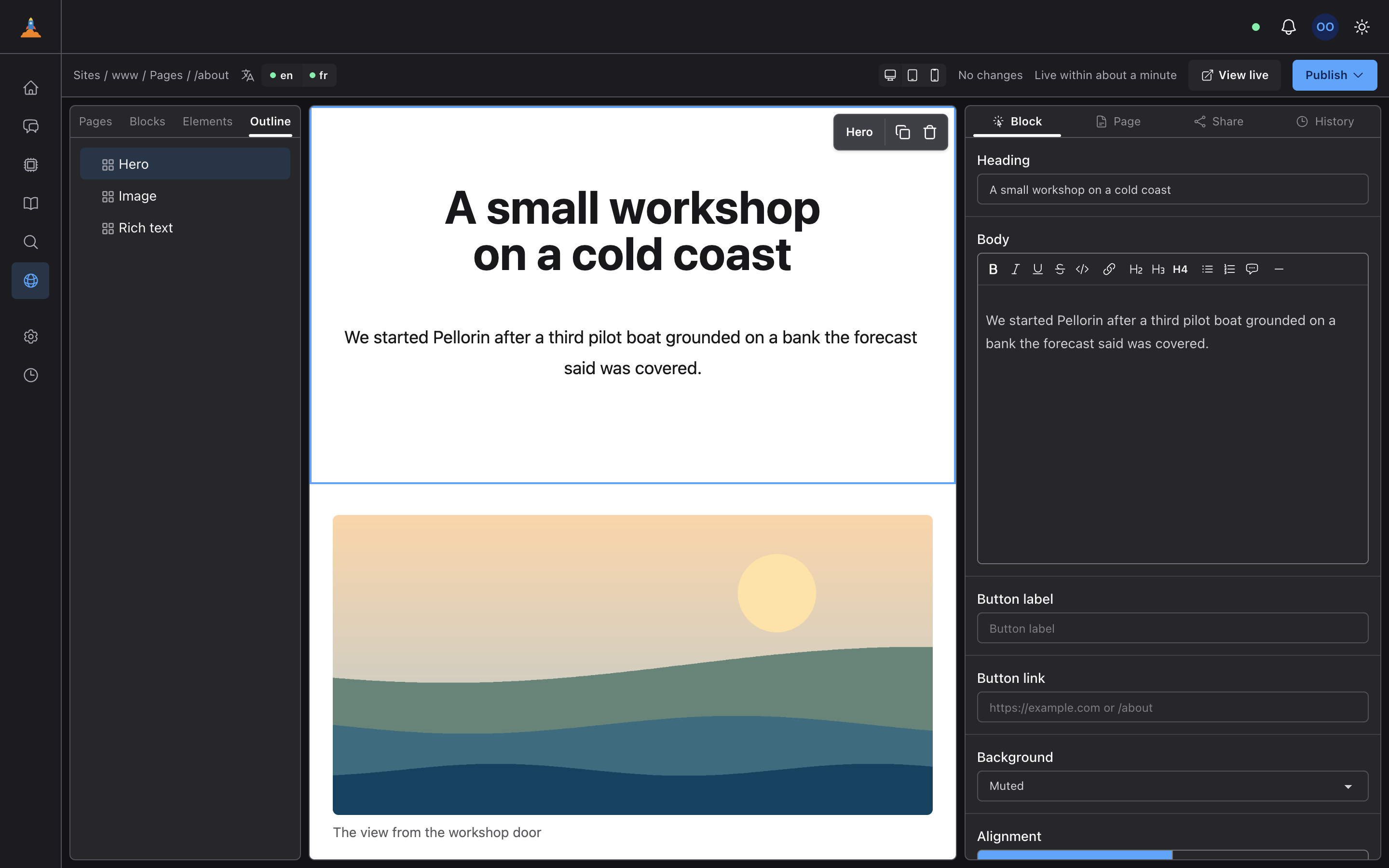
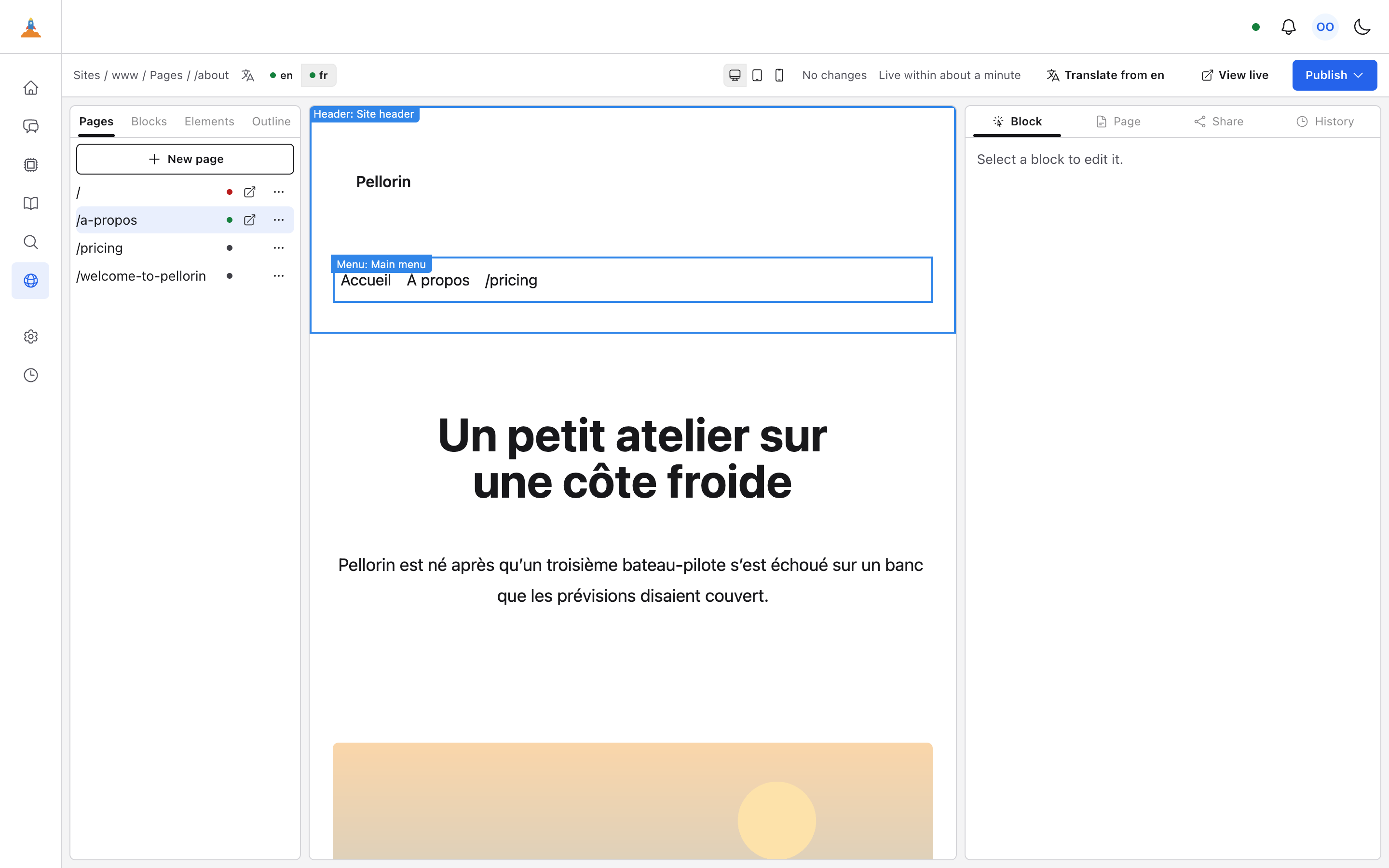
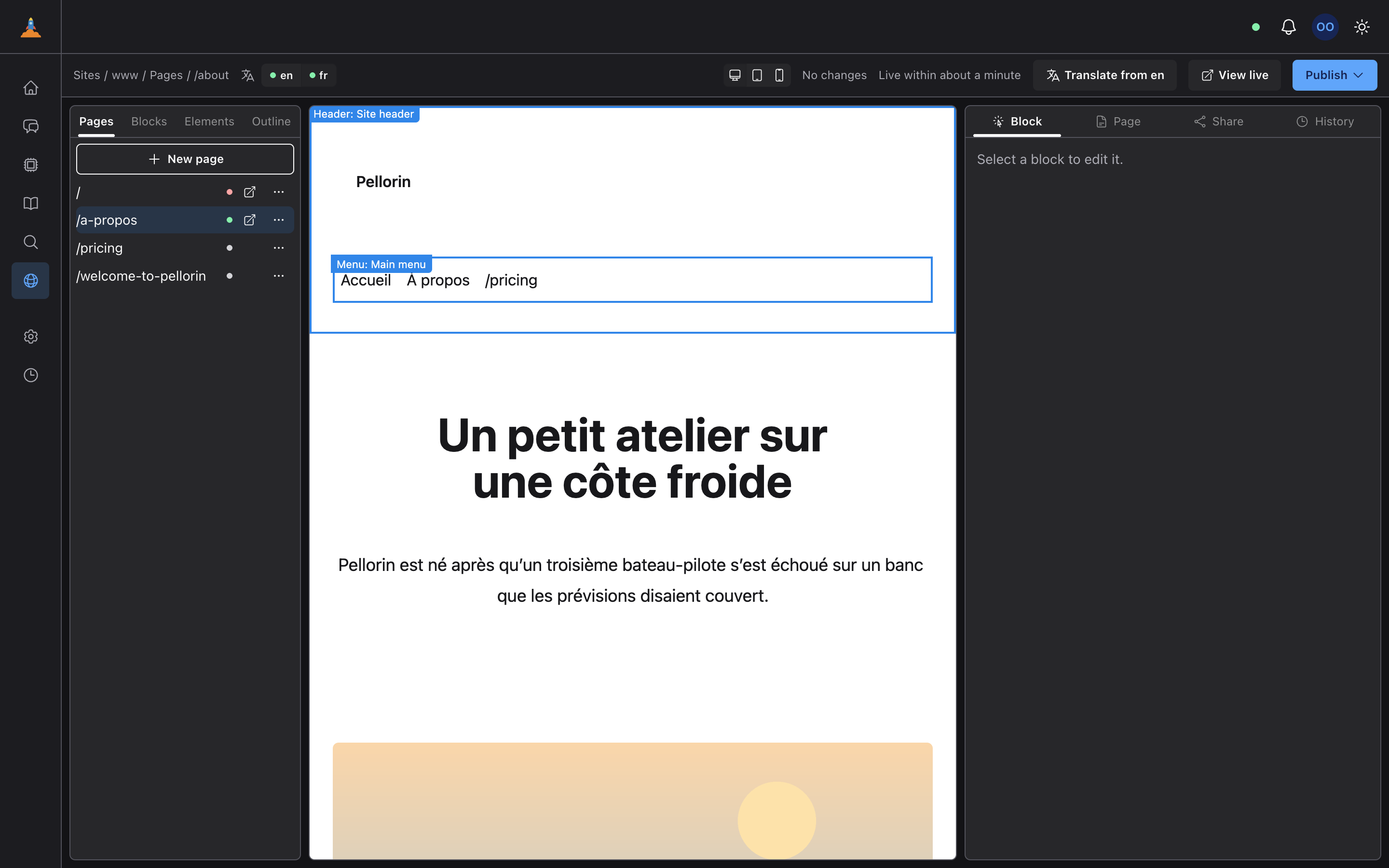
Edit on the page itself
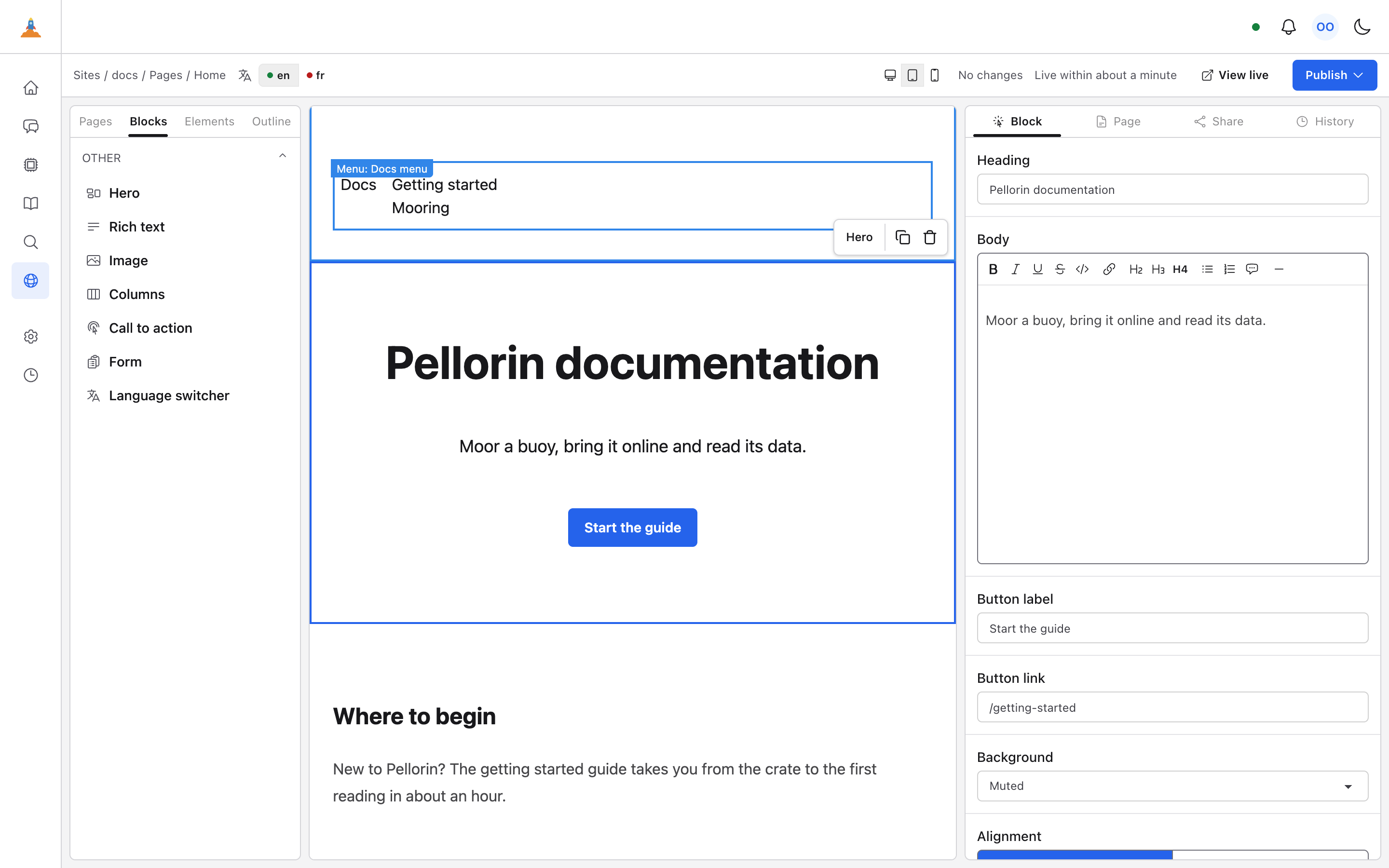
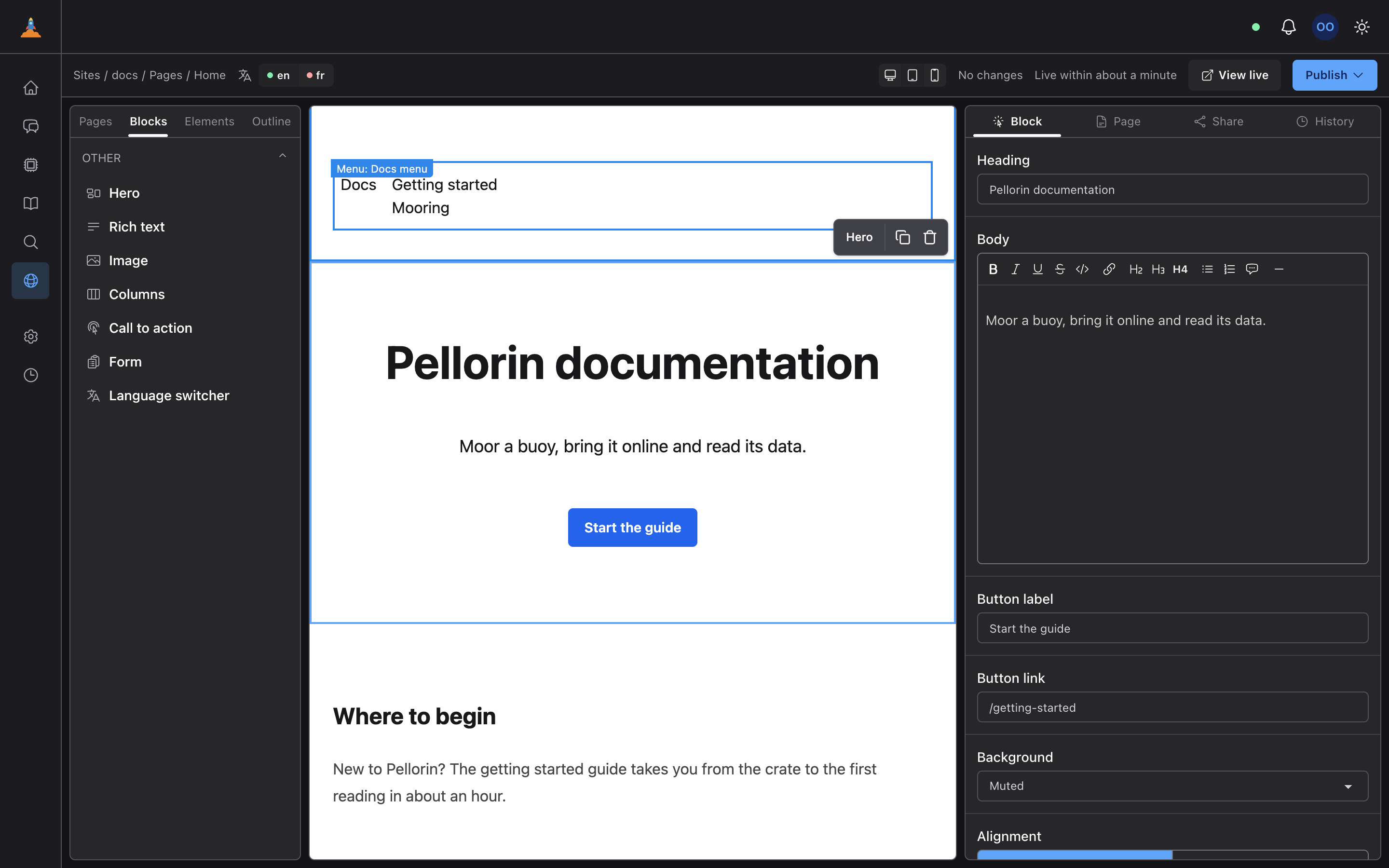
Editors work in Puck, inside your app and under its own header: the page as a visitor will see it, with every field beside it.
- Headings, button labels and rich text are typed straight onto the canvas, and the side panel is still a complete way to edit every field.
- Desktop, tablet and phone previews, an outline, and a palette made of the site’s own blocks.
- A draft saves about two seconds after each change. When two people save the same page, the second is offered reload or overwrite, and the overwritten draft is kept.
- The editor warns when someone else has the same page and language open. It never locks anyone out.
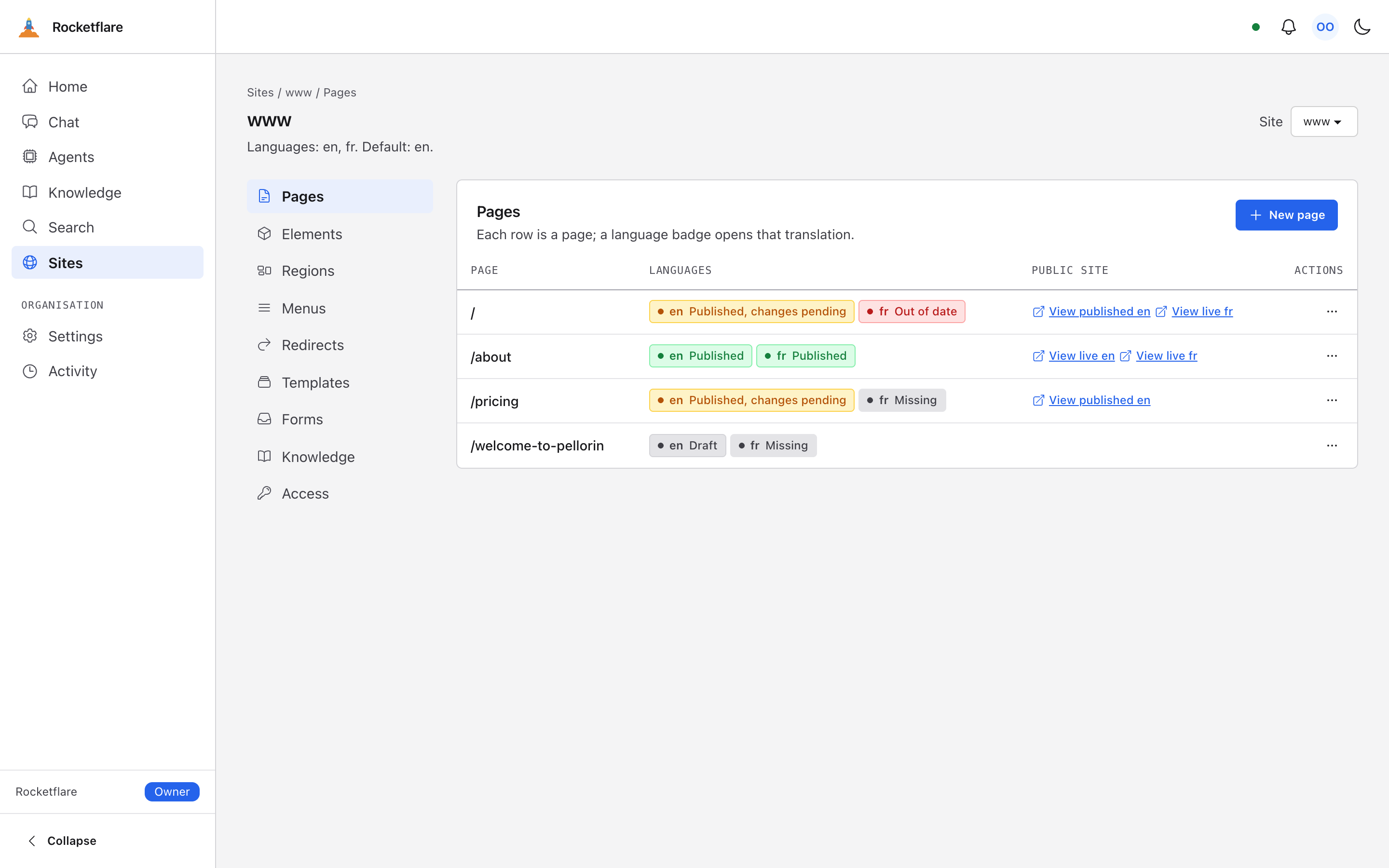
Every page and every language at a glance
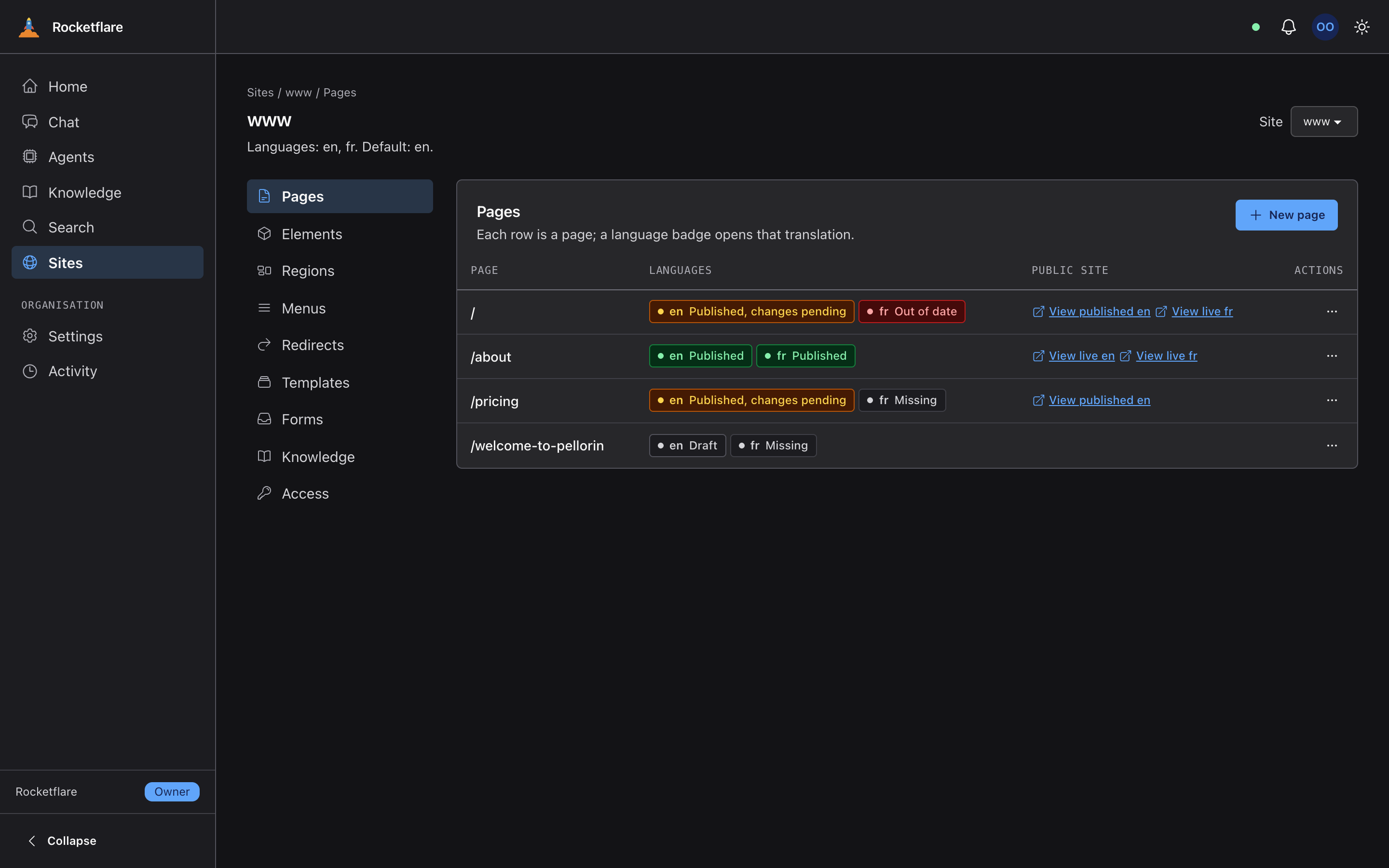
One page tree, shared by every language, with each translation’s state on a badge of its own.
- Add child pages, re-order, move and delete, in every language at once.
- A badge opens that translation and says where it stands: a draft, published, published with changes pending, or out of date.
- Page templates: save a page as one, start a new page from one, or use the read-only ones a developer declares.
- Access by group: owners and admins edit and publish every site, and a member has none until a group is granted
editorpublishon that site.
Publish now, later, or after a review
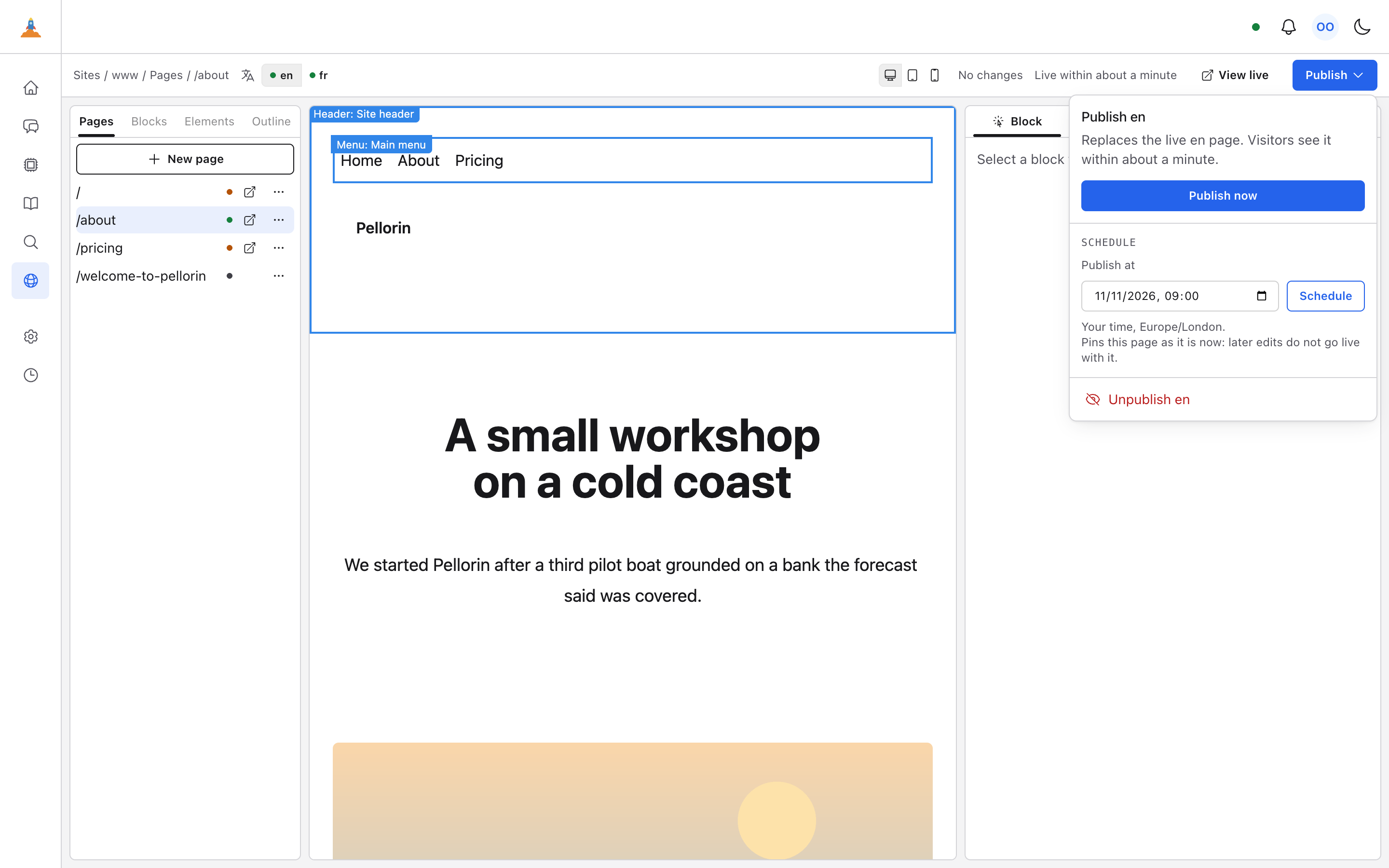
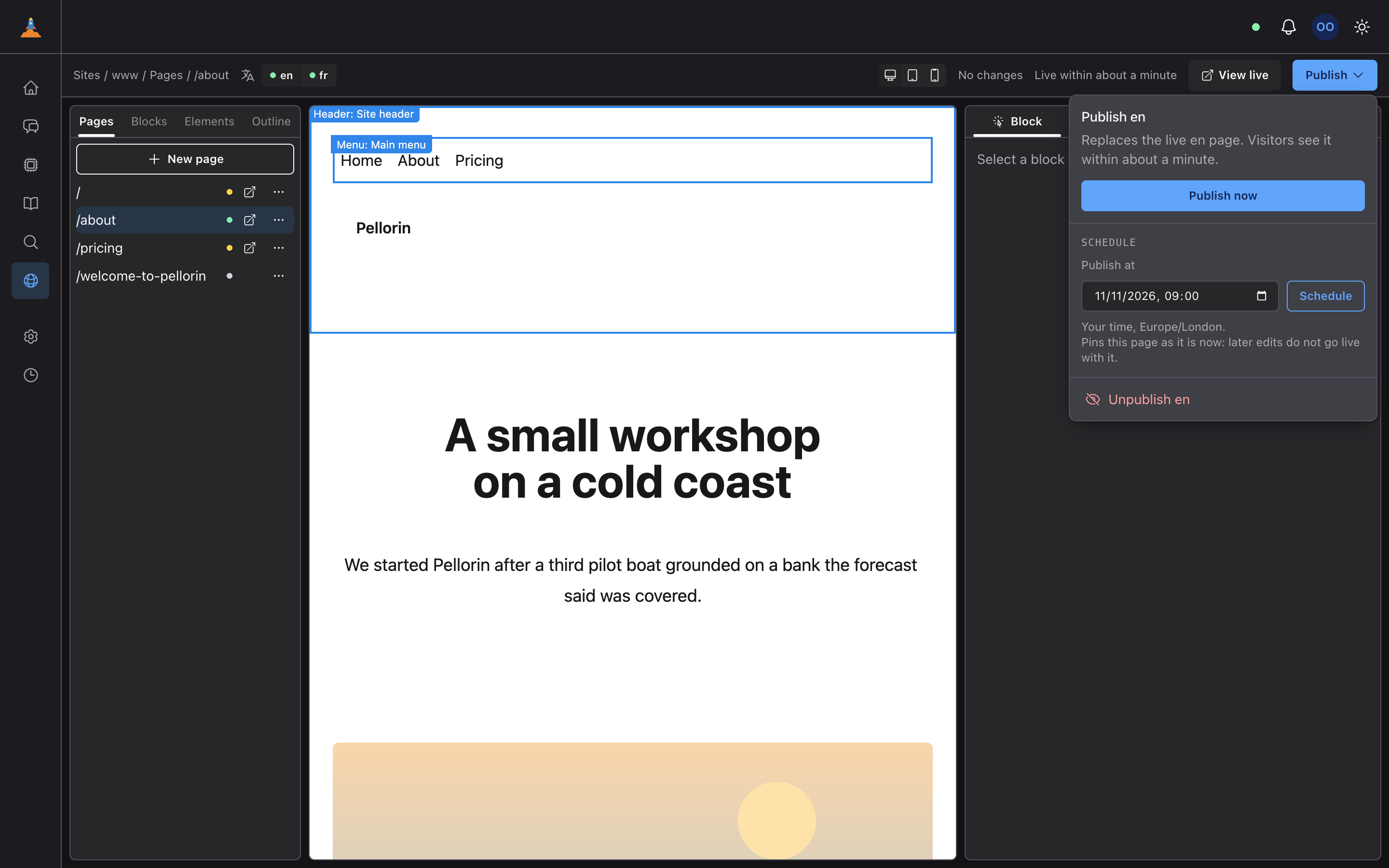
The Publish menu holds the checks, Publish now, a schedule and Unpublish. A change is live within about a minute.
- A scheduled publish pins the page as it is, so later edits do not go live with it.
- An editor without the right to publish requests a review instead. Publishers are notified, and publish the page or send it back with a comment.
- Every published version is kept: open an old one read-only, with the elements it showed at the time, and restore it into the draft.
- A signed preview link, on the site’s own host, for someone who cannot sign in. It expires after seven days, can be revoked, and is never indexed.
One page, several languages
Switch language from the editor’s toolbar. Each language has its own slug, its own SEO fields and its own state.
- The default language has no prefix (
/pricing), and the others have one and a translated slug (/fr/tarifs). hreflangtags, a sitemap per language and a language switcher block, each leaving out a language the page is not live in.- Translate from another language: a draft written in the background with visible progress, from only the text a block declares. It asks before it replaces anyone’s edits, keeps to the kit’s agent budgets, and can be stopped.
- Menus and elements follow the language. An element with no version in one falls back to the default language, with a warning rather than a block on publishing.
Blocks and themes your developers own
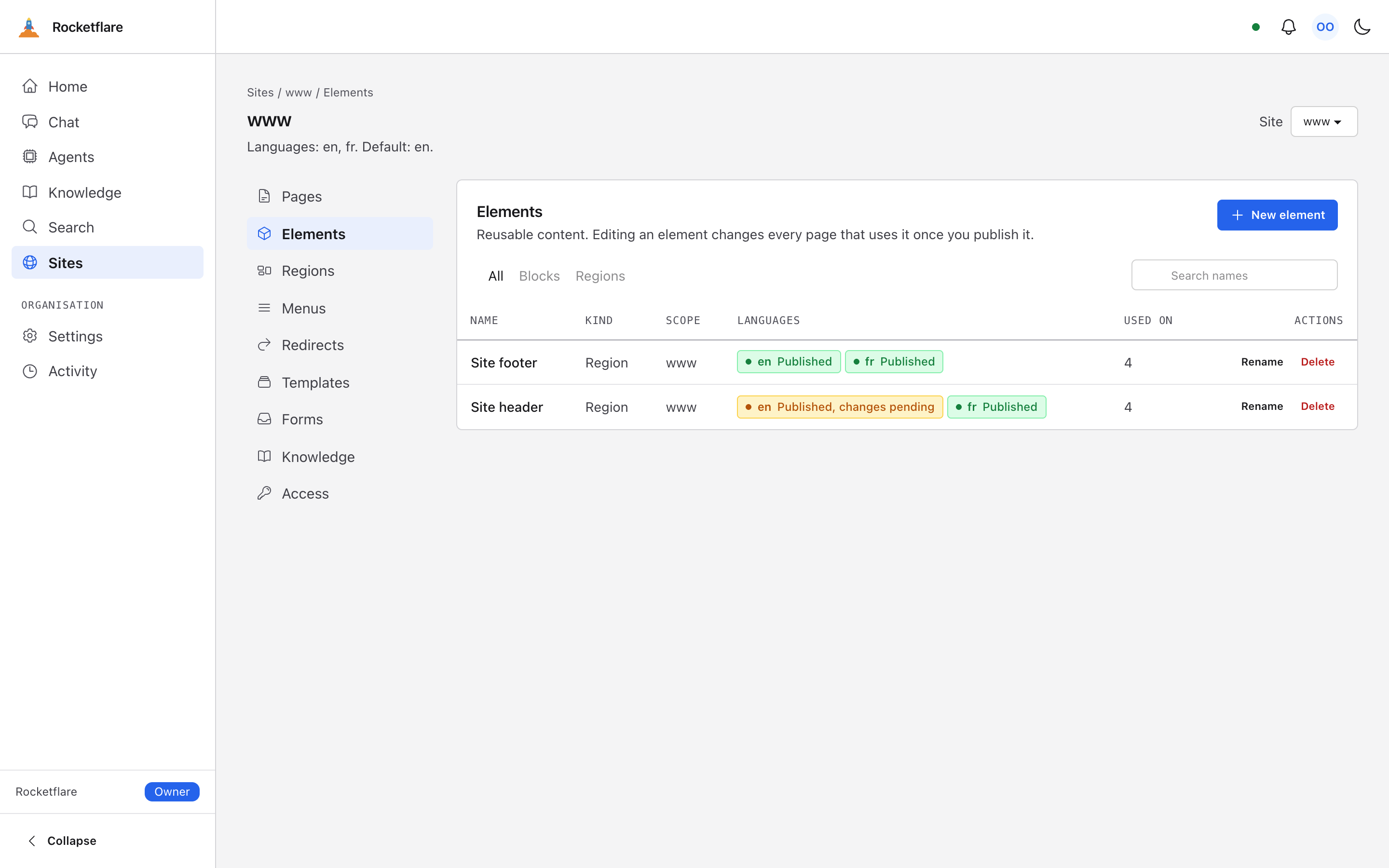
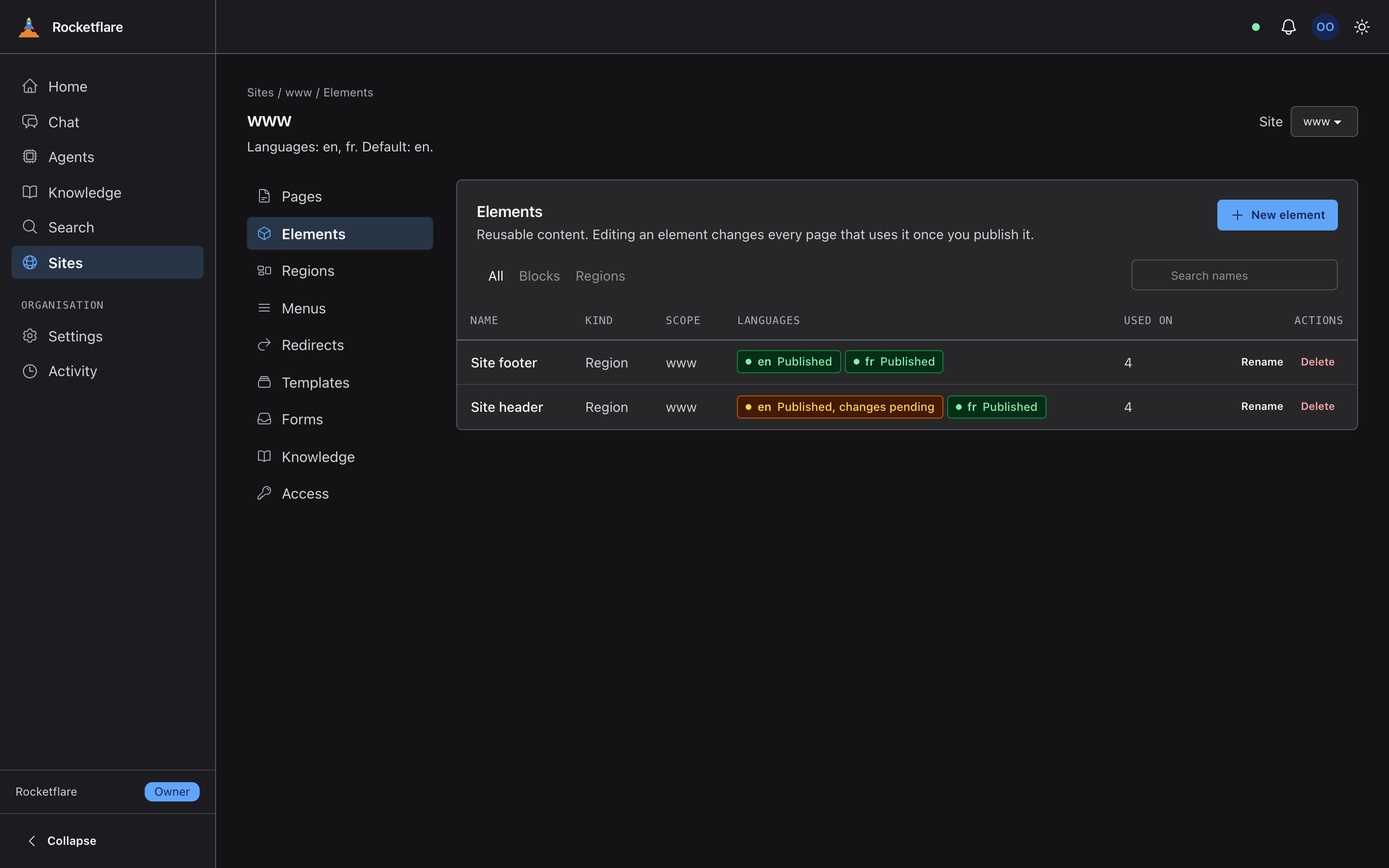
Editors own the content. The blocks, the theme, the languages and the hosts are code, in a directory that belongs to your app.
defineSitefor each site anddefineBlockfor each block, inapp/, which a plugin upgrade never touches.- Starter blocks to begin from: hero, rich text, image, columns, call to action, form, language switcher and menu. A theme is a DaisyUI theme with self-hosted fonts.
- Block changes are versioned: rename a field with a version bump and a
migratestep that runs on read. Published versions are never rewritten. - Reusable elements kept in step on every page that uses them, a header and footer per site or per page, menus built from pages, a 301 when a slug changes, and SEO fields per language.
Fast, locked-down public pages
Each host you map serves its site from the root, from the same Worker as your app, with no /api or /auth on it.
- Rendered once on the server, then served from the edge cache. A cached page makes no database query, and a render never sees a visitor’s cookie.
- A strict CSP per site: by default a page loads no script. Site CSS is a separate build, and the public CSP refuses the admin bundle.
- Images stored in R2 and served through Cloudflare Images, as AVIF or WebP at fixed widths.
robots.txt, a sitemap, an HTML 404 and redirects on every host.- Text for AI tools:
/llms.txt,/llms-full.txtand a Markdown twin of every published page at<path>.md, built from the page’s own blocks. On by default, with a switch per site.
Forms that start work
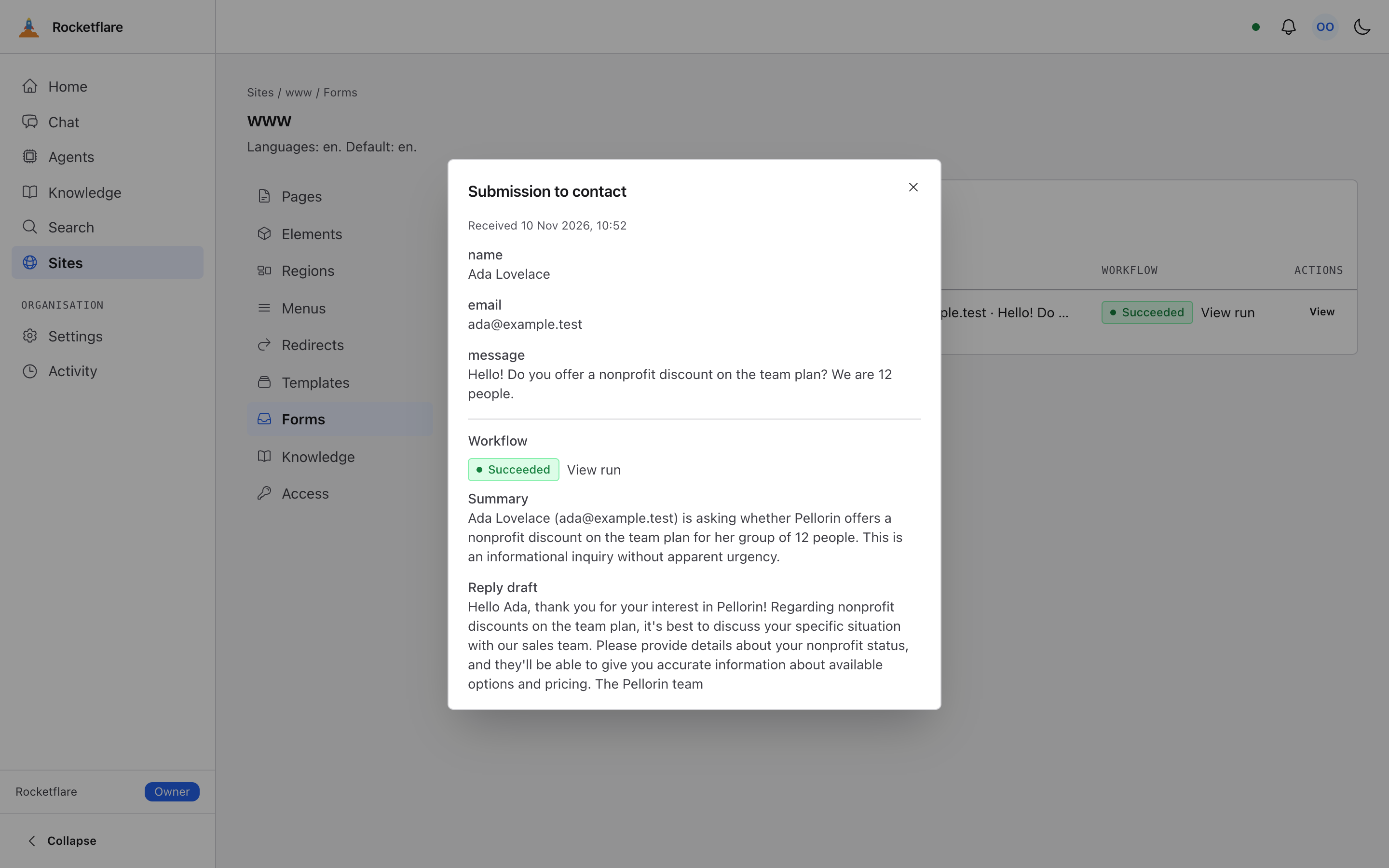
Drop a Form block on any page. Each submission lands in the app beside the site, and can start an agent that reads it and drafts the reply.
- Every saved submission announces the kit event
sites.form.submitted. Your app’s own code, another plugin, or an agent withtriggerscan act on each one. - The Form block’s On submit, start setting lets an editor pick an agent with no code, from the agents that opt in. Only the agent in the published block starts: nothing a visitor sends can choose it, and a choice saved only in a draft does not count.
- Runs go through the kit’s agent workflow, inside its run caps and daily budgets. The plugin ships one agent, Draft a reply, which summarises a submission and drafts a reply. It sends nothing.
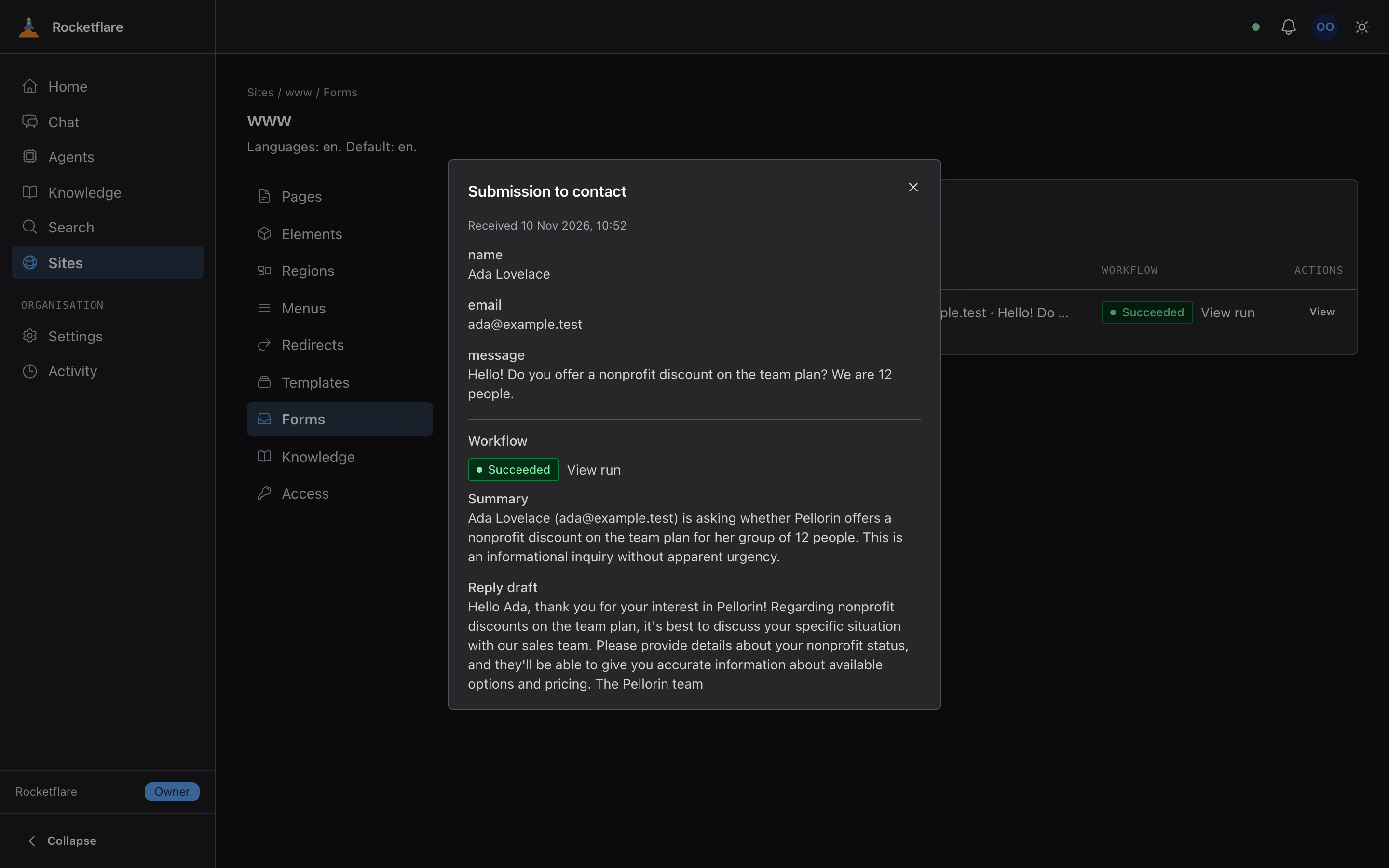
- The site’s Forms tab lists submissions per form for people who can publish, with each one’s workflow status and a link to its run, or why nothing started. Submissions are deleted after 90 days.
- With JavaScript, a small script under 5 KB sends the form in place and shows field errors next to the fields. Without it, the form posts normally and lands on a page in the site’s own layout. Both announce the event, and if announcing fails, the visitor still sees success and the event is sent again later.
- Turnstile on every form, failing closed, and a limit of 10 submissions a minute. The success message and the page to go to next come from the published block, never from what was submitted.
A first draft from a description
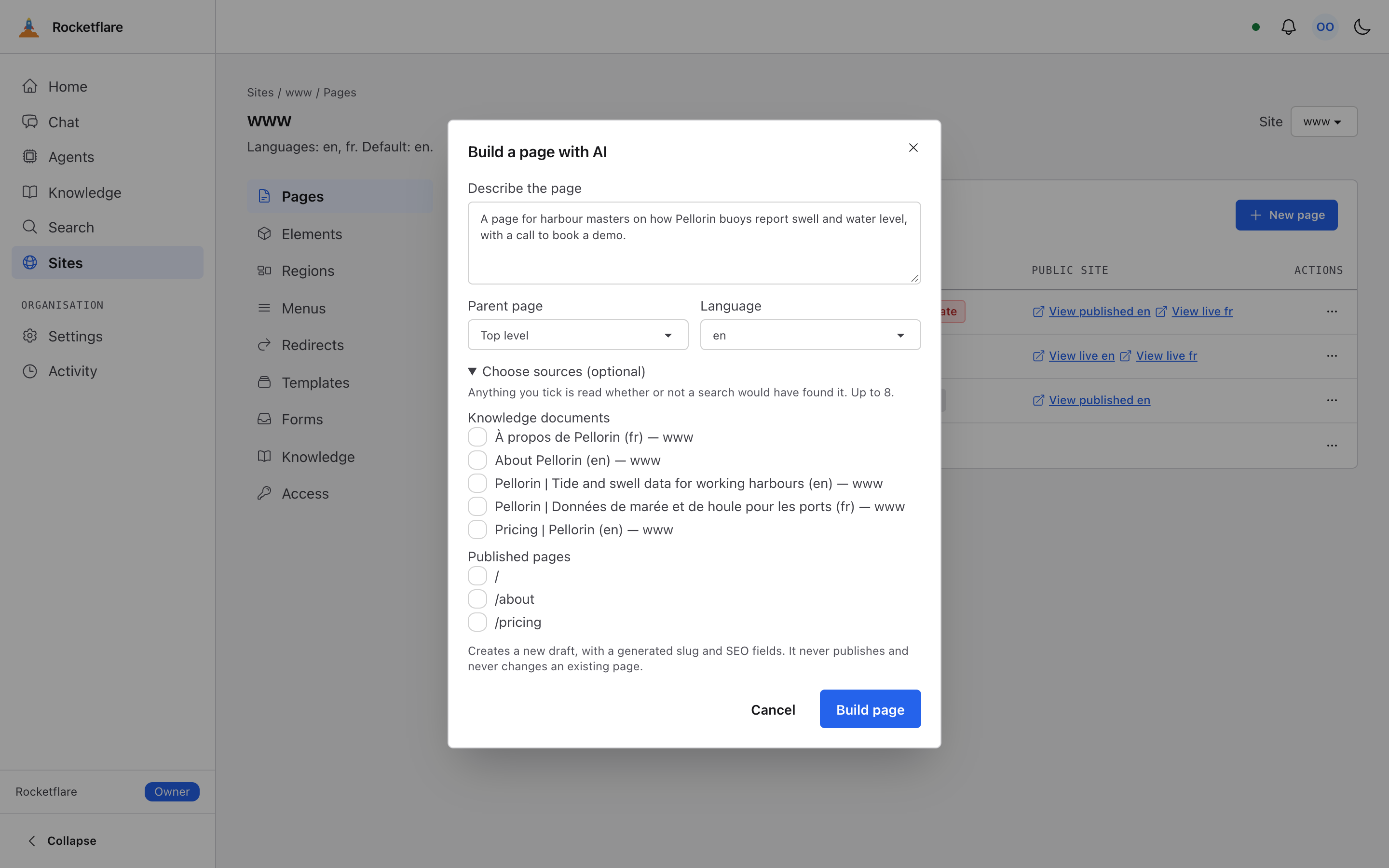
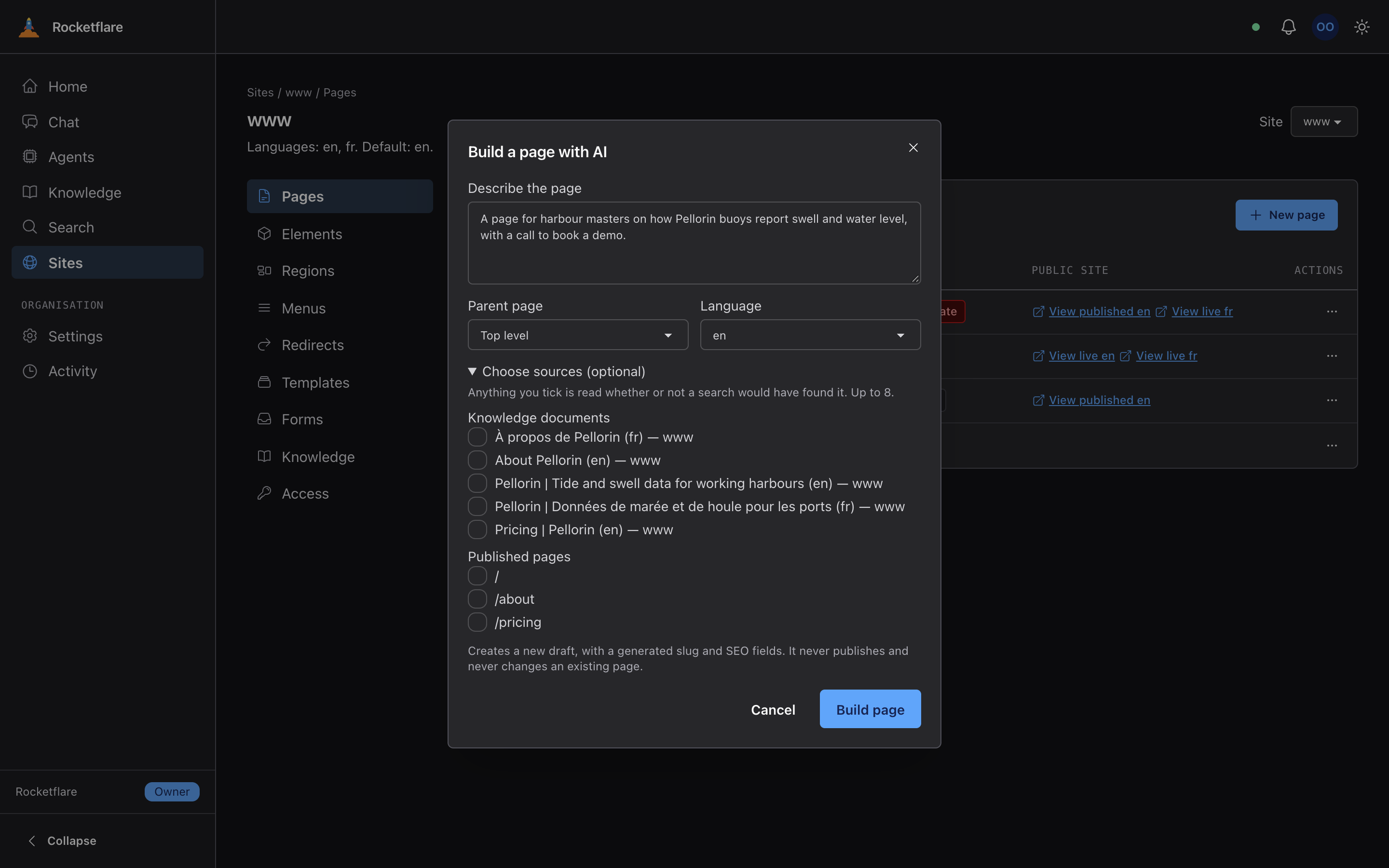
Build with AI, in the New page dialog, reads the knowledge base and the site’s published pages, plans the sections, and writes each one from the site’s own blocks and images.
- It always creates a new draft, with a note of the sources it used. It never publishes and never edits an existing page.
- Every section goes through the same validation as a save, and the model’s output is treated as untrusted throughout.
- It runs on the kit’s agent workflow, on Workers AI by default, with no key. That model gives a rough first draft: sensible layouts, invented facts, and the odd build that needs a retry. Configure a stronger model before writing copy customers will read, and check every page.
- Turn knowledge on for a site, and its published pages, in every language, join the knowledge base, so chat and agents answer from the site with each page’s live URL.
Bring an existing site across from Claude Code
Four agent skills install with the plugin. They work through the rocketflare sites commands, and none of them publishes.
sites-copy-designcopies the look of a site you own into blocks, a theme and library elements, then compares screenshots side by side and iterates.sites-migratemoves a site’s pages, images, redirects and menus in as drafts, crawling politely, and writes a migration report. A re-run picks up where it stopped.sites-new-pagewrites one page from a prompt in the terminal, as a draft, and revises it from your feedback.sites-setupchooses the organisation that owns the sites, maps the hosts and lists what only a person can do.- Copying and migrating stop unless you own the source site or have the rights to reuse it.
rocketflare sites exportandimportmove a whole site as drafts, andauditlists the blocks in use, exiting 1 on an unknown one so CI can run it before a block is deleted.
Not in this release
- Collections: blog posts and similar content types are a later release.
- One organisation owns every site in a deployment. Customers creating their own sites, or bringing their own domains, is out of scope.
- No favicon or site-wide social image setting.
- Media cannot be deleted from a library, and replacing an image does not update the pages using the old one.
- A publish anywhere makes every page and image variant on every site render again.
- Plain-text fields on the canvas are editable on hover or focus, so touch and keyboard users edit them in the side panel.
- The On submit, start picker lists every agent that opts in, with no filter per form. The run a form starts has no requester, so only owners and admins can open its run page; other publishers see its status in the Forms tab.
Available to Rocketflare partners
It is not open source and is not in the public plugin repository, so there is no install
command to copy here. Partners get access under their agreement with us and install it like
any other plugin: pnpm plugin add prints the plan, and --apply
writes it. Then generate and run its migration.
Run /sites-setup to choose the organisation that owns the sites and map the hosts, and have a person run /rf-provision for its R2 bucket, KV namespace and Images binding.
- Plugin id
sites- Version
0.9.0- Needs kit
0.41.1or later- Licence
- Commercial, for partners
- Agent skills
sites-setupsites-copy-designsites-migratesites-new-pagesites-formssites-migrate-formssites-collectionssites-form-component- Adds packages
@dnd-kit/react 0.4.0@puckeditor/core 0.24.0@tiptap/core 3.33.0@tiptap/pm 3.33.0@tiptap/react 3.33.0@tiptap/starter-kit 3.33.0