What would I build

An internal tool, without building the platform first

The app your team opens every morning. A few tables, a few pages, and a long list of boring things that have to work before any of it is useful: who can sign in, who can do what, who did what, and what happens when a job takes four minutes. That list is already written and tested. You add the tables that belong to your business.

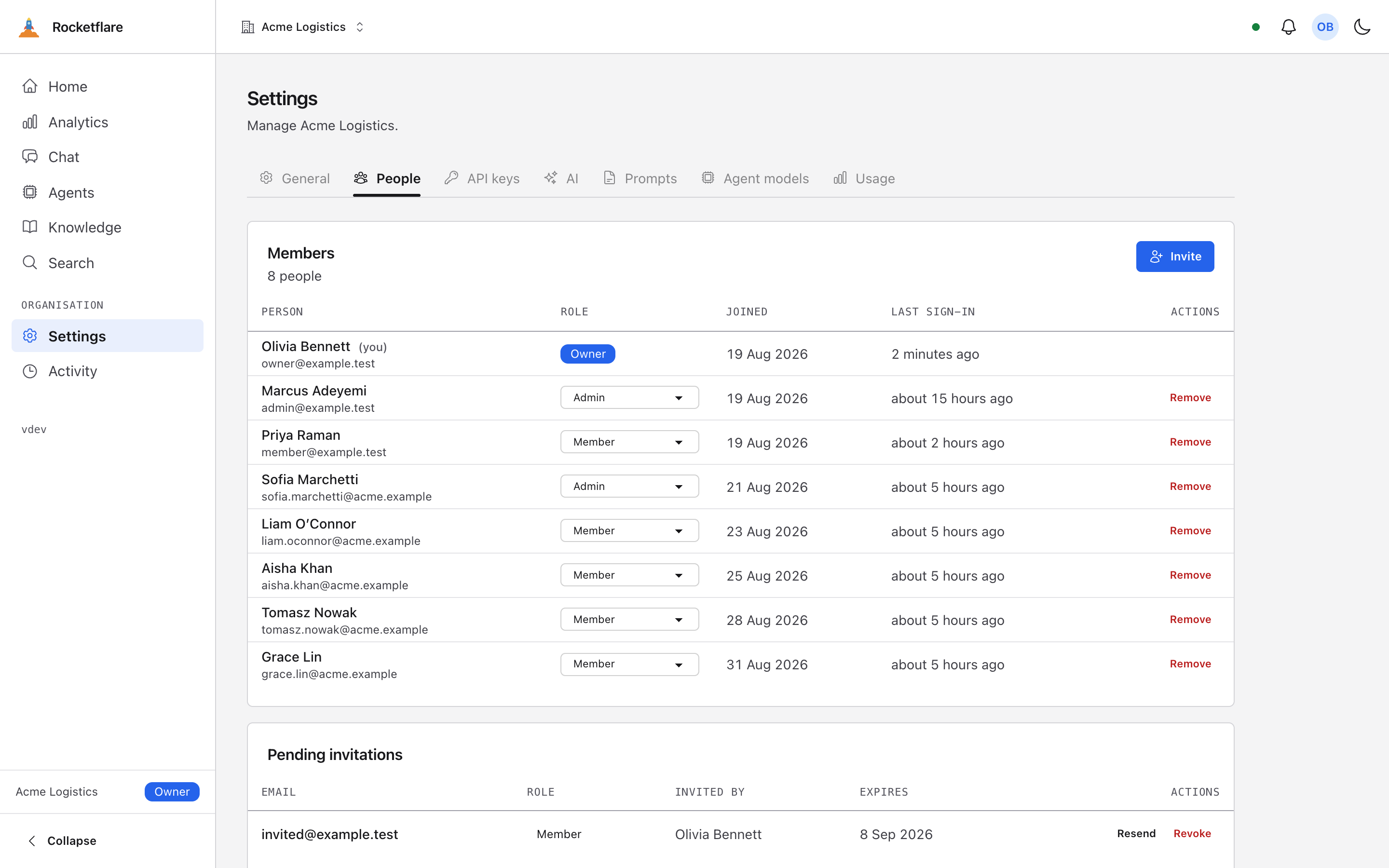
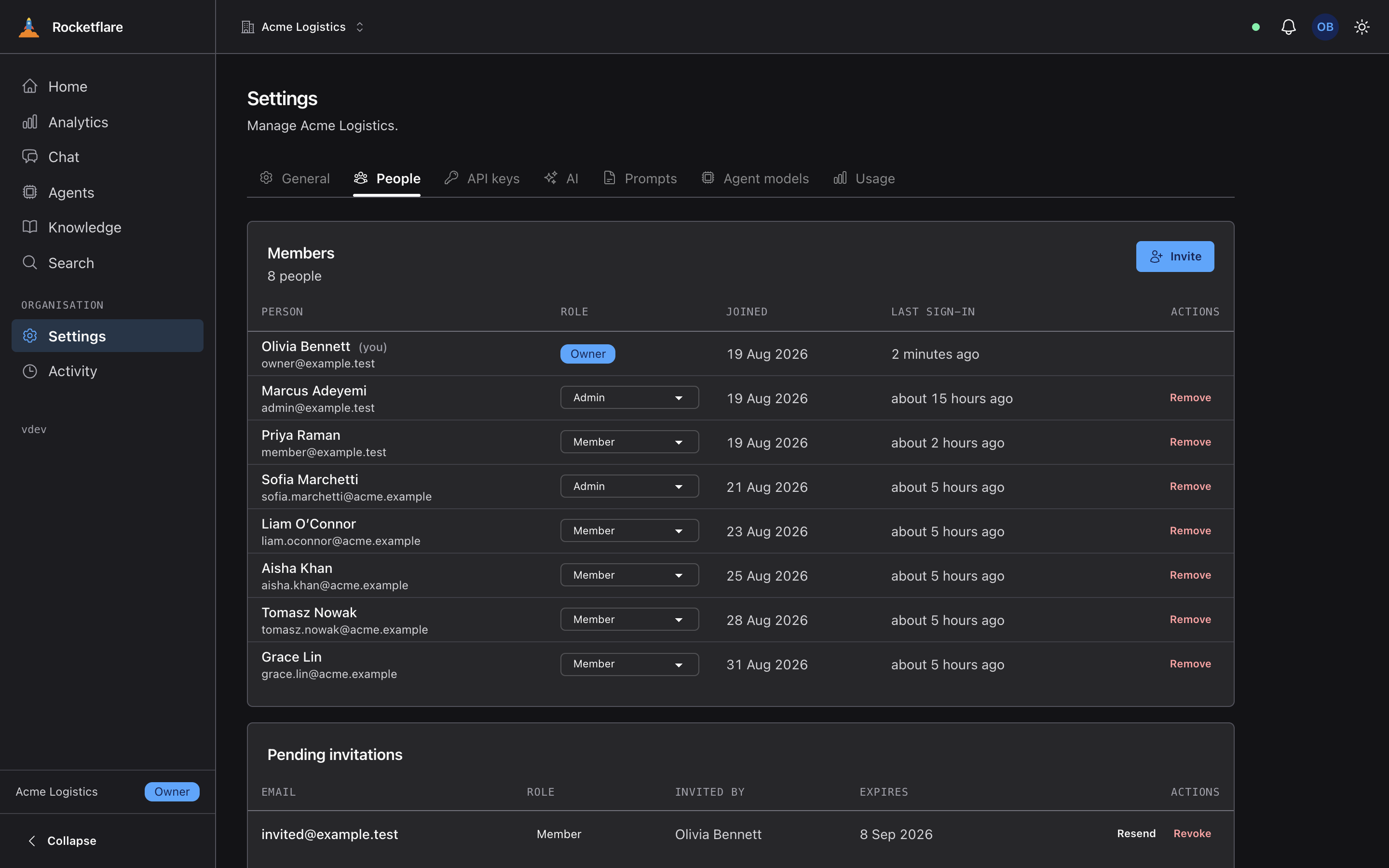
The People tab, showing members with their roles and one pending invitation The People tab, showing members with their roles and one pending invitation
People, roles and a pending invitation, on the first run.
On the first run

What is already there

None of this is the reason your tool exists, and all of it has to work before your tool is worth opening.

People can get in, and only the right people

Sign in with Google, with Microsoft, with your company’s own identity provider over OIDC, or with a link sent by email for anyone who has none of them. Sessions are rows in your database, so you can end one. Nobody has to be given a password to forget.
Roles that the pages actually respect

Owner, admin and member, with a support role that only a platform admin can hand out. The navigation, the pages and the routes read the same rule, so a link never leads somewhere the reader is refused.

An invitation flow that has met reality

Invite, accept, expire, resend, and the awkward case where the invited address already has an account. The email is queued rather than sent inside the request, so a mail outage does not fail the click.

A record of who did what

Activity events are written as things happen, and the admin area can read them. This is the feature nobody specifies and everybody asks for in month three.

Work that takes longer than a request

A typed job queue and durable workflows, so the import that takes four minutes does not live inside a click. The page updates when the work finishes instead of asking the reader to refresh.

A way to ship something to one team first

Feature flags with a per organisation override, so the new screen is on for operations and off for everyone else, without a deploy in between.

Your part

What you actually write

Your tables, and the pages that show them. That is close to the whole list. A table gets a key saying which organisation owns it, and from that point the queries, the permission checks and the tests around it follow a shape that is already used a dozen times in the repository.

If your team lives in a spreadsheet today, the first version is usually one table, one list page and one form. You can have that on the screen in an afternoon, because the sign-in page, the roles and the audit trail underneath it are not yours to build.

The bit that saves an argument

Ship it to one team first

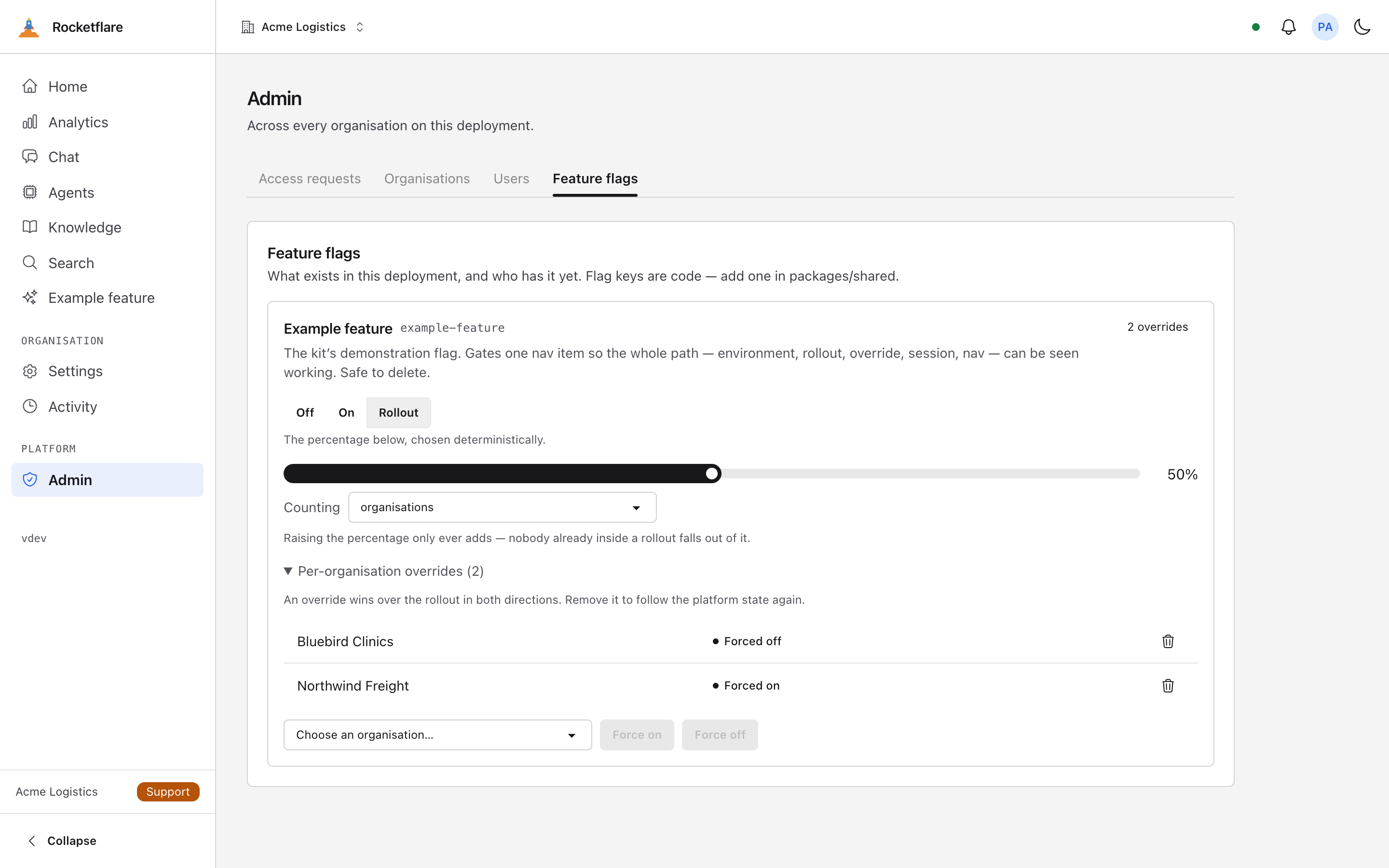
A flag can be on for one organisation and off for the rest, or on for a percentage, and changing it is not a deploy.

Internal tools get rolled out to the team that asked for them, then to everyone else once it is clear the thing works. That is a flag and an override, and both are in the admin area on the first run.

How feature flags work here
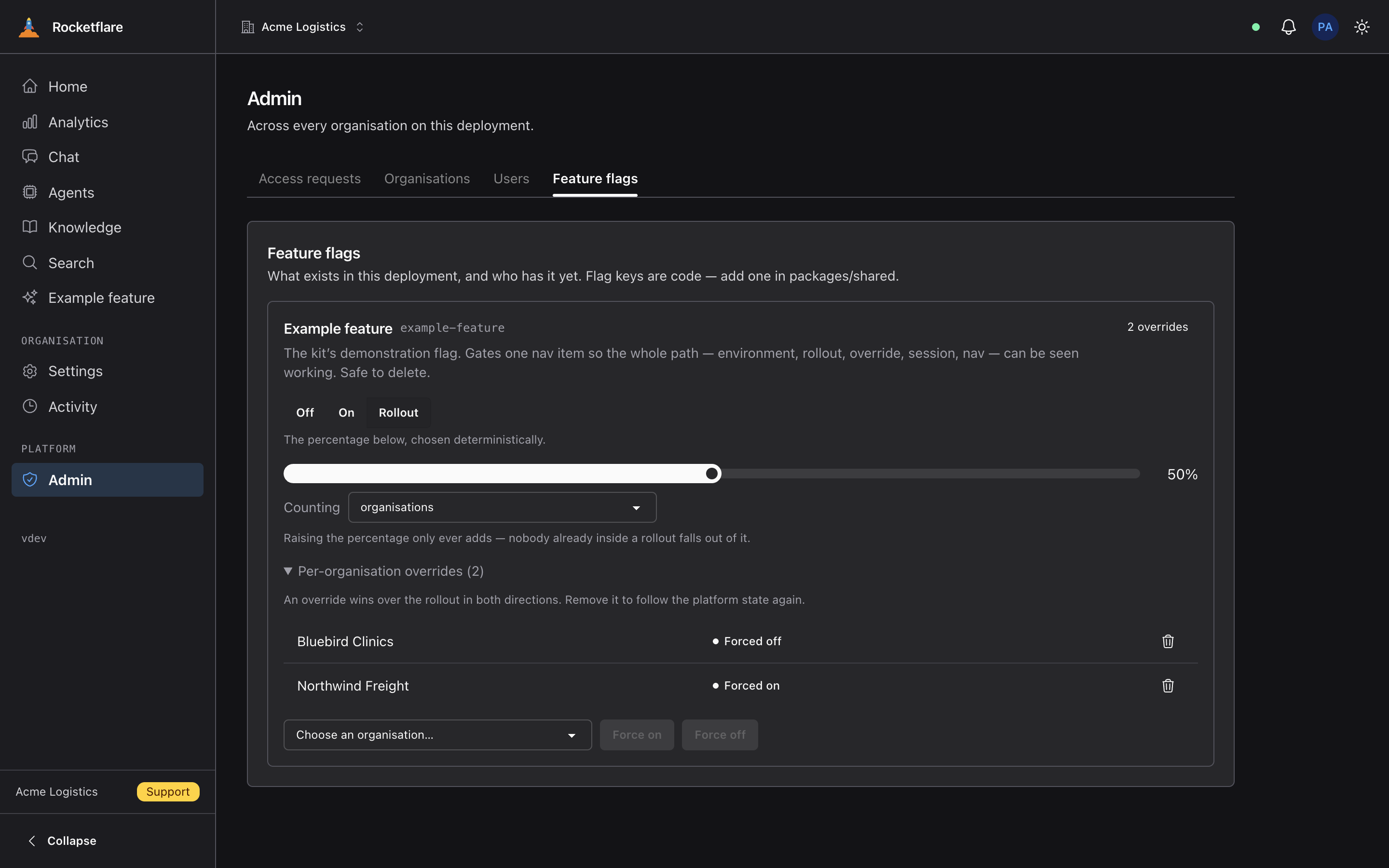
The feature flags admin screen, with a flag set to a percentage rollout The feature flags admin screen, with a flag set to a percentage rollout
Where to start

Four steps, in order

  1. Get it running and sign in

    One command, about two minutes, demo data already in it. Click around as the demo owner before you decide anything.

  2. Rename it to your tool

    One pass renames the package, the Worker, the database, the command line tool and the theme. After this it is your codebase and the kit is just where it came from.

  3. Add your first table

    A schema file, a contract, a route and a page. The tenant key and the permission check are the shape every other table already follows, so there is an example next to you.

  4. Put it in front of two people

    Invite a colleague, give them the member role, and watch what they cannot see. That is the fastest way to know the model fits your team.